
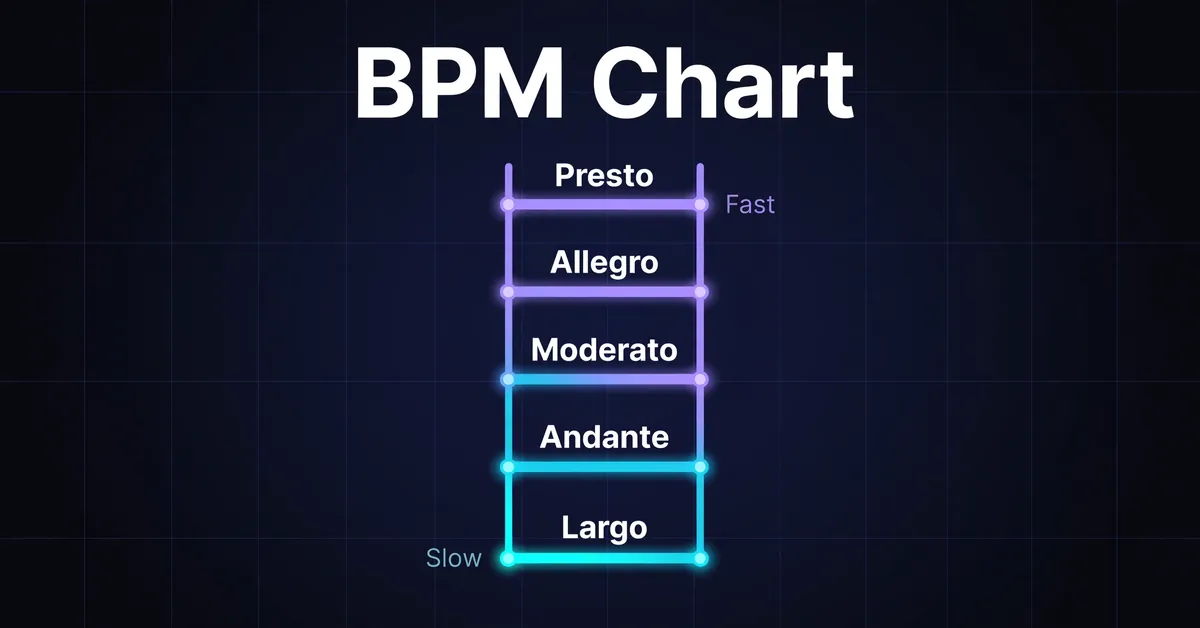
How Do You Read This BPM Chart?
A BPM chart compares music tempos with note durations in milliseconds, beat frequency in hertz, Italian tempo markings and genre examples. Read across a row to see what a tempo means for practice or production. This chart includes selected speeds from 40 to 200 BPM, with play buttons that open the tempo in the metronome.
The interactive chart shows reference rows, not every possible tempo. Its millisecond columns treat BPM as quarter notes per minute, so a dotted quarter marking has to be multiplied by 1.5 before you look up a row.
Read each column this way:
* BPM names the number of quarter note beats per minute in this chart.
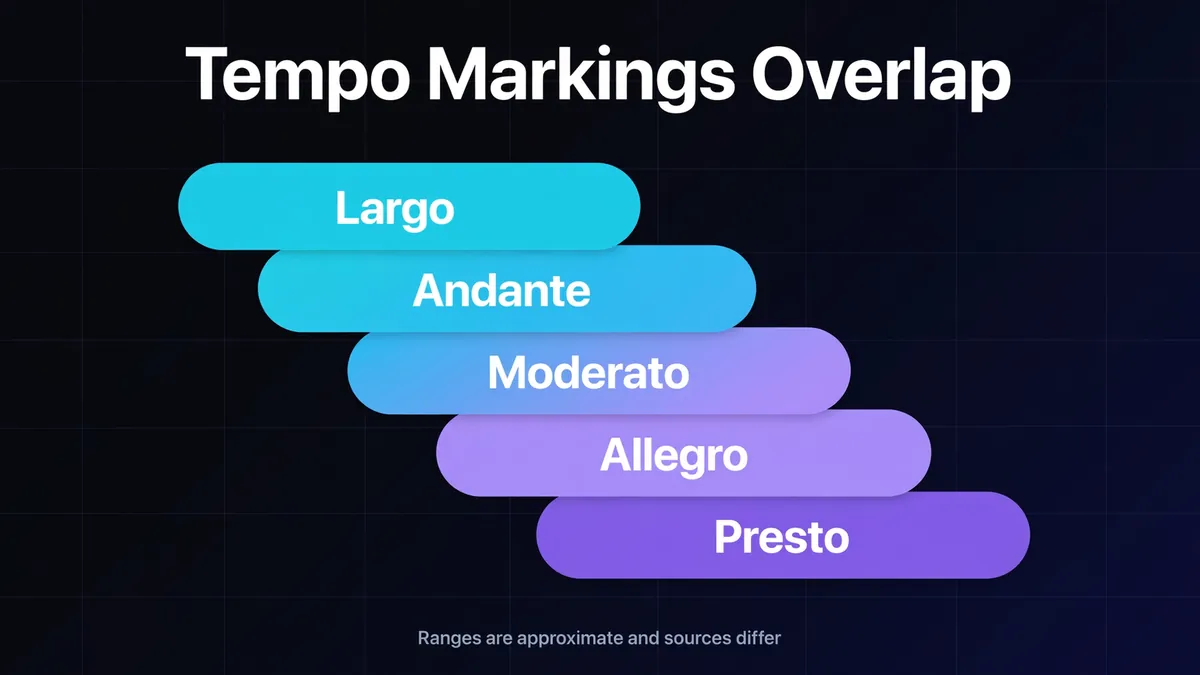
* The marking gives an approximate Italian label near that speed. Neighboring ranges overlap, so a row label is not the only possible marking.
* Quarter, eighth and sixteenth columns give note durations in milliseconds, rounded to the nearest millisecond.
* Hertz gives quarter note beats per second, calculated as BPM ÷ 60.
* Genre examples suggest contexts to explore; they do not classify a track by tempo alone.
Start with the question you need answered. A guitarist checking a pedal needs milliseconds; a producer setting a modulation rate may need hertz. A student reading an unfamiliar tempo word needs the marking preview. These columns describe the same pulse from different angles, rather than separate instructions for performing it.
BPM to MS Chart: Quick Reference
Use this BPM to MS chart to compare note lengths across tempos before entering a setting in your equipment. Rows are quarter note tempos; for a 6/8 mark of dotted quarter = 80, read the 120 row.
| BPM | Quarter note | Eighth note | Sixteenth note | Quarter note frequency |
|---|---|---|---|---|
| 60 | 1,000 ms | 500 ms | 250 ms | 1 Hz |
| 90 | 666.67 ms | 333.33 ms | 166.67 ms | 1.5 Hz |
| 120 | 500 ms | 250 ms | 125 ms | 2 Hz |
| 128 | 468.75 ms | 234.38 ms | 117.19 ms | 2.13 Hz |
| 174 | 344.83 ms | 172.41 ms | 86.21 ms | 2.9 Hz |
This quick reference rounds to two decimal places where needed. The interactive chart rounds its note times to whole milliseconds. Calculate from BPM when you need more precision: quarter note ms = 60,000 ÷ BPM, and quarter note Hz = BPM ÷ 60. Sengpiel Audio's conversion reference explains the tempo and interval relationship.
At 128 BPM, calculate the eighth directly as 60,000 ÷ 128 ÷ 2 = 234.375 ms, displayed as 234.38 ms. For a pedal accepting whole milliseconds, enter 234 ms. Doubling a rounded 234 produces 468, while the original quarter note is 468.75 ms. Round the final result rather than building new values from rounded cells.
The frequency column describes a pulse rate, not musical pitch. At 120 BPM, a modulation cycle lasting one quarter note has a rate of 2 Hz. A cycle lasting two quarter notes takes 1 second, so its rate is 1 Hz. Use BPM to Hz when choosing another cycle length.
Tempo Markings Preview
Tempo markings describe speed and character; a numerical BPM specifies a pulse rate. Other references draw these word ranges differently; the ones here are this site's approximations. Use the preview to place a word in context, then follow the score's numerical metronome mark and note symbol when supplied.
| Marking | Approximate site reference BPM | Meaning |
|---|---|---|
| Largo | 40 to 60 | Broad and slow |
| Adagio | 66 to 76 | Slow, at ease |
| Andante | 76 to 108 | Walking pace |
| Moderato | 108 to 120 | Moderate |
| Allegro | 120 to 156 | Fast and bright |
| Presto | 168 to 200 | Very fast |
For comparison, Musicca's English reference gives Allegro as 100 to 160 BPM. This site's 120 to 156 band is an editorial reference, not a universal boundary. Use the tempo markings guide for the full table and source comparisons.
Suppose your part says Allegro, quarter note equals 112. Do not raise the tempo to 120 just to fit this preview. The printed 112 specifies the pulse for that passage. Equally, a missing term between these six rows does not mean that speed has no name; this is a preview, not the complete vocabulary.
BPM Chart by Genre
Genre bands help you choose a guide or a starting production tempo; they cannot identify a recording. The genre bands are rough and specific to this site. Individual tracks can fall outside them, and overlapping tempos do not make two genres interchangeable. Follow a genre link for its guide.
| Genre | Approximate site BPM band | Example context |
|---|---|---|
| R&B | 60 to 90 | Slow jams and ballads |
| Hip hop | 80 to 115 | Boom bap examples |
| Pop | 90 to 130 | Pop production examples |
| Rock | 100 to 150 | Guitar band examples |
| House | 120 to 130 | Four on the floor examples |
| Techno | 125 to 150 | Repeating dance grooves |
| Drum and bass | 160 to 180 | Breakbeat production examples |
Trap has an approximate site band of 130 to 160 BPM, with a half time pulse of 65 to 80. The same passage can be counted at 140 or felt at 70, depending on the pulse layer. Native Instruments' trap tutorial sets its example to 140 BPM and places claps on beat 3. Clap placement is part of the rhythm; counting clap hits alone does not establish the quarter note tempo.
At 128 BPM, the house and techno bands overlap. Choose the house guide for its groove examples or the techno guide for its production context, rather than letting the shared number decide. Browse the genre hub when comparing styles before settling on a project direction.
How Do You Use the Chart in Practice?
For practice, hear a reference tempo and choose a speed you can play evenly. For production, compare note duration and beat frequency columns when setting effect times or modulation rates. A marking's band can orient you, but it does not prescribe the right practice speed or effect setting for every passage.
Try a rehearsal example: your band wants a riff at 120 BPM, but the guitarist loses the rhythm during a position change. Rehearse that transition at 90. Straight sixteenths then allow about 166.67 ms between notes, compared with 125 ms at the target. Play through the change without stopping before raising the tempo. The 120 BPM page opens a practice preset at that tempo.
For a producer comparing arrangements, eight bars of 4/4 contain 32 quarter notes. At 120 BPM that passage lasts 32 × 0.5 = 16 seconds; at 128 it lasts 32 × 0.46875 = 15 seconds. Use the tempo calculator for bar and passage lengths rather than treating every bar as four beats.
The chart's timing values assume quarter note BPM. For dotted and triplet values, or a tempo between rows, choose BPM to MS. For repeat timing options, use the delay calculator. Those pages develop a single setting; this reference helps compare tempos.
For a specific recording, estimate its BPM with the BPM finder or tap tempo, then verify it against a steady section using the online metronome. This BPM reference chart explains a tempo you have measured; it cannot determine a song's BPM from its genre.
What Should DJs Check Before Matching Tempos?
Check the pulse being counted, the actual playback tempo and where beat one lands before comparing chart rows. Equal BPM describes equal beat spacing; it does not establish alignment. The rekordbox manual documents separate controls for BPM, grid position and the first beat of a bar.
Suppose a track is 125 BPM and you want it at 128. The calculated tempo increase is (128 ÷ 125 − 1) × 100 = 2.4%. Its quarter note interval falls from 480 ms to 468.75 ms. Look up the destination tempo when setting a manual effect time during that transition.
For a prepared mix in Ableton Live, confirm whether the clip follows the project tempo. Ableton's warping manual explains that an unwarped clip plays at its original tempo, unaffected by the Set's tempo. Changing a project number alone does not establish the audio's new tempo.
Which Chart Mistakes Should You Avoid?
The main lookup errors come from reading the wrong beat unit, using a rounded value as an exact measurement or confusing the felt pulse with the project tempo. Check those assumptions before changing your settings. A correct millisecond value still needs the intended note length and pulse layer to be useful.
A dotted quarter contains three eighth notes, as Open Music Theory's rhythmic values lesson explains. Dotted quarter equals 60 therefore means one dotted quarter per second: 90 quarter notes per minute. See time signatures and BPM for meter choices.
If two readings are exactly double or half, compare their pulse layers with half time versus double time before deciding the recording changed speed. For a track with changing tempo, take separate readings where you need them; one chart row cannot describe every section.