
How Can You Find the BPM of a Song?
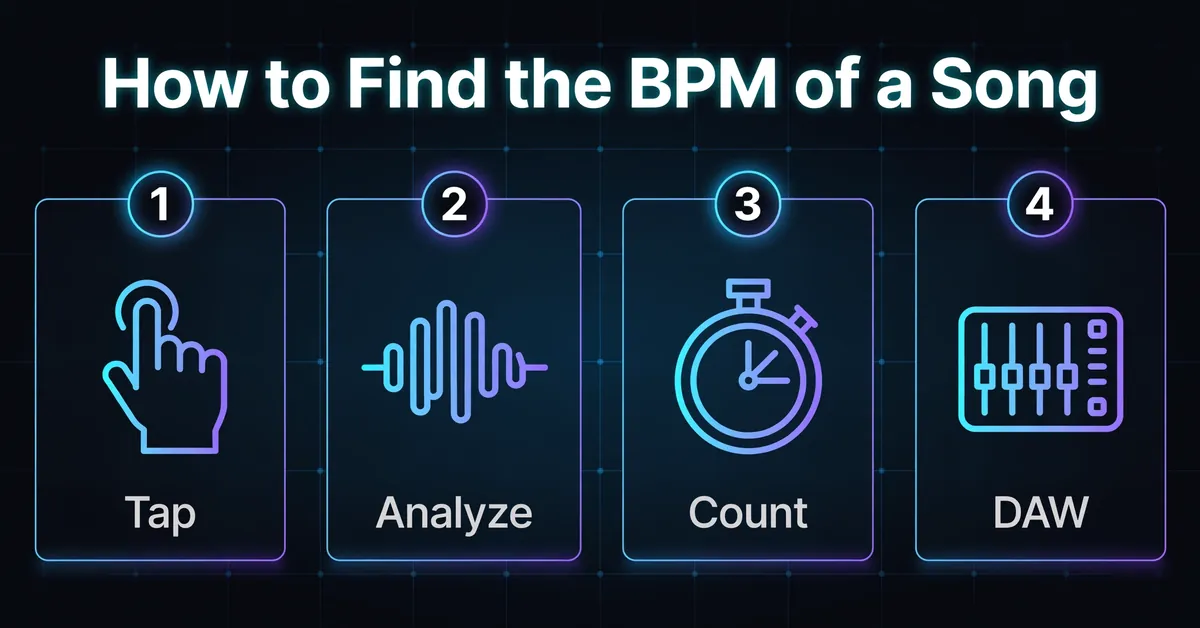
If you want to know how to find BPM, there are five practical routes: analyze the audio file, tap along to the pulse, count beats against a timer, line the track up with a DAW grid, or look the exact recording up in a database. Pick whichever your source allows, then check the number against the music before you trust it.
Every one of these routes can hand you a number that is half or double the tempo you feel, and none of them knows which pulse you care about.
| Method | What you need | What to watch |
|---|---|---|
| Audio analysis | A file on your device | Half or double readings, tempo changes |
| Tap tempo | Music you can hear | Steady tapping on one pulse |
| Timed counting | Music and a clock | Where the count starts and stops |
| DAW grid | Audio file and a DAW | Warping must be off |
| Database lookup | Title, artist and version | Whether the entry matches your recording |
Which Method Should You Pick?
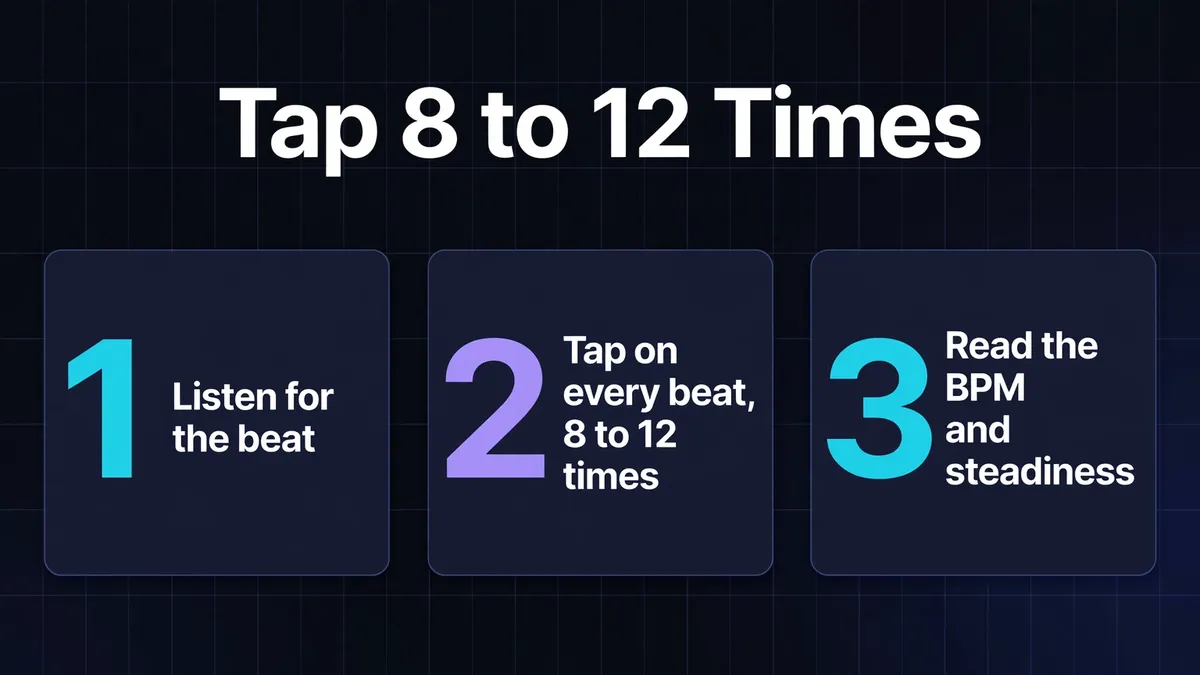
Start from what you have. A file points to analysis or a DAW. Music on Spotify, YouTube, radio or a stage points to tapping or counting. A title alone points to a database, which gives a lead, not a measurement.
A few typical cases:
- A DJ with a folder of downloaded tracks drops each file into the analyzer, then checks the doubtful ones by tapping.
- A drummer hearing a song on the car stereo taps along on a phone at the next stop, then sets the metronome to that number for practice.
- A producer chopping a sample needs the loop to sit on the grid for 16 bars, so a DAW grid is the real test.
- A music student with a recording of a live concert counts or taps each section separately, because the band may speed up.
If two methods agree within a BPM or so, you are usually done. If they land on 70 and 140, that is a pulse level question, not an error.
Method 1: Analyze the Audio File
Open our BPM finder and choose a file. It estimates tempo and shows BPM, a confidence score, duration and a waveform. The analysis runs locally in your browser, so the recording is never uploaded. It searches between 50 and 210 BPM and reports tempo only; it does not detect musical key. Processing time depends on the file length and your device.
Treat the result as a strong candidate. A busy hi hat pattern can pull an estimate up to a subdivision, and a sparse ballad can pull it down to a slower pulse. A high confidence score tells you the pattern was clear, not that the analyzer picked the beat you would clap to.
Edge case: a track that starts with a long beatless intro or changes tempo halfway through can produce an average that matches no section. Trim to a steady part, or measure each part by ear.
Method 2: Tap Along With the Song
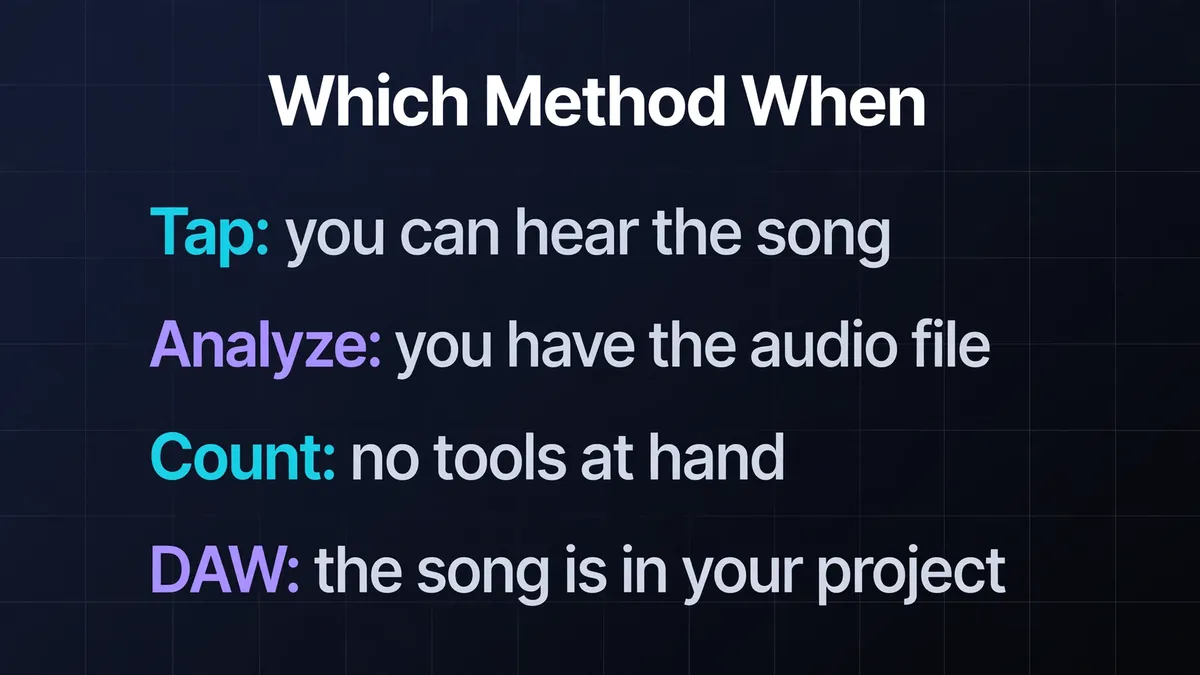
Play the music and tap the steady pulse 8 to 12 times using the spacebar, a letter key or a number key on the tap tempo tool. It averages the most recent 8 gaps between taps and sets outliers aside, so one sloppy tap does not wreck the reading. Stop for 2.5 seconds and the next tap starts a fresh reading; press Esc to reset.
No file or microphone is needed, which makes this the go to for streams, vinyl and live bands. Here is what the math looks like. Say your last 8 gaps average 0.469 seconds:
60 ÷ 0.469 = 127.9, which you would read as about 128 BPM.
Tap on the pulse you feel, not on every drum hit. Kick patterns often skip beats, and a hi hat may play two or four notes per beat. If you want the reasoning behind the averaging, read how tap tempo works. On a phone, the BPM counter gives you a large tap target.
Method 3: Count the Beats With a Timer
Start a stopwatch on a beat and call that beat zero. Count the beats that follow for 15, 30 or 60 seconds, then multiply by 4, 2 or 1.
Example: you count 31 beats in 15 seconds. 31 × 4 = 124 BPM.
The catch is resolution. Miss or add one beat in a 15 second window and the answer moves by 4 BPM. Over 60 seconds the same slip costs only 1 BPM. So if you have time, count longer. The how to count BPM guide covers endpoint choices and miscount effects in detail.
Method 4: Align the Song to a DAW Grid
This is slower, but you can see exactly where the audio and the grid part ways.
- Turn off automatic warping, stretching or tempo following so the clip plays at its original speed. In Ableton Live, turning Warp off makes playback independent of the project tempo. Logic Pro, FL Studio and other DAWs have their own equivalent settings.
- Line up a clear downbeat with a bar line.
- Set the project tempo to your first estimate, then jump 8 or 16 bars ahead and see if the beats still sit on the grid.
- Nudge the tempo until a beat far into the song lands on its line.
Checking far ahead is what makes this work. Suppose the track is really 122 BPM and you set 120. In 4/4, 16 bars is 64 beats. At 120 BPM those take 32 seconds; at 122 BPM they take 64 × 60 ÷ 122 = 31.48 seconds. By bar 17 the music is about 525 ms ahead of the grid, which you will see instantly. One bar later you would barely notice.
These bar examples count quarter notes in 4/4. If the beats wander in and out of alignment rather than drifting one way, the performance probably moves. Build a tempo map instead of stretching the audio to force one number.
Method 5: Look the Song Up in a Database
Search a BPM database by title, artist and the exact version. SongBPM and GetSongBPM are two examples. Remixes, radio edits, live recordings and sped up versions can all carry different tempos from the album release, so match the release before trusting the entry.
A lookup is quick, but it cannot measure anything, so check the number against your recording.
How Do You Verify a BPM Result?
Set the online metronome to your candidate, start it on a clear beat and listen through a steady passage. Then check a later section. What you hear tells you what went wrong, if anything.
| What you hear | Likely cause |
|---|---|
| Click stays off by the same amount | Started the click early or late |
| Gap grows steadily in one direction | BPM is slightly off |
| Gap grows and shrinks | The performance changes tempo |
| Click fits but feels too busy or too lazy | Half or double pulse level |
Drift adds up faster than people expect. If a song is 128 BPM and the click is at 127, each beat differs by about 3.7 ms. After 64 beats the click trails by roughly 236 ms, clearly audible. So a click that sounds right for four bars proves very little; listen for at least 16.
When both 87 and 174 fit, decide by purpose. A drum and bass DJ will call it 174 to match other tracks; a vocalist might feel 87. Neither is wrong. The half time vs double time page explains the relationship, and why BPM detectors disagree covers the diagnosis in depth.
What Mistakes Give a Wrong BPM?
Most bad readings come from a handful of habits:
- Tapping every hi hat or every kick instead of the pulse, which doubles or scrambles the number.
- Measuring a fill, breakdown or intro instead of the main groove.
- Leaving warping on in a DAW, so the clip quietly follows the project tempo and every guess looks correct.
- Trusting a database entry for the wrong version of the song.
- Counting for 10 seconds and treating a 6 BPM resolution as precise.
- Comparing a dotted quarter reading from a 6/8 piece with a quarter note reading from a tool. Dotted quarter at 60 equals quarter note at 90.