
How Do You Calculate BPM From Beats and Seconds?
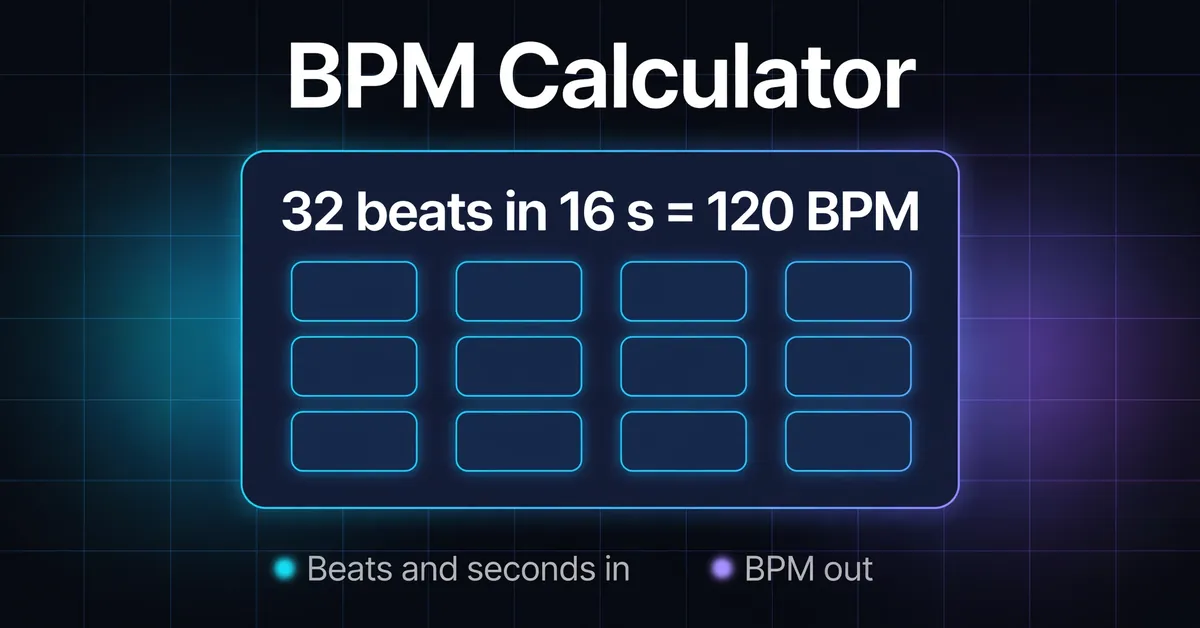
A BPM calculator converts counted beats and elapsed seconds into music tempo: divide beats by seconds, then multiply by 60. Enter your measurements to see beats per minute and the duration of one beat. Use a known count from a recording, loop or rehearsal, keeping the beat unit consistent.
Enter a positive beat count and elapsed time above. Select Sec for seconds or Min for minutes. The calculator shows BPM, beats per second and beat duration. Its large BPM number is rounded to a whole number; the calculation beneath it retains up to two decimal places.
Count a quarter note pulse for quarter note BPM, or a dotted quarter pulse for dotted quarter BPM. The calculator cannot identify the note value you counted. Ableton's beat and tempo lesson distinguishes the underlying musical pulse from a drum pattern: count the pulse, rather than every sound.
What Is the BPM Formula?
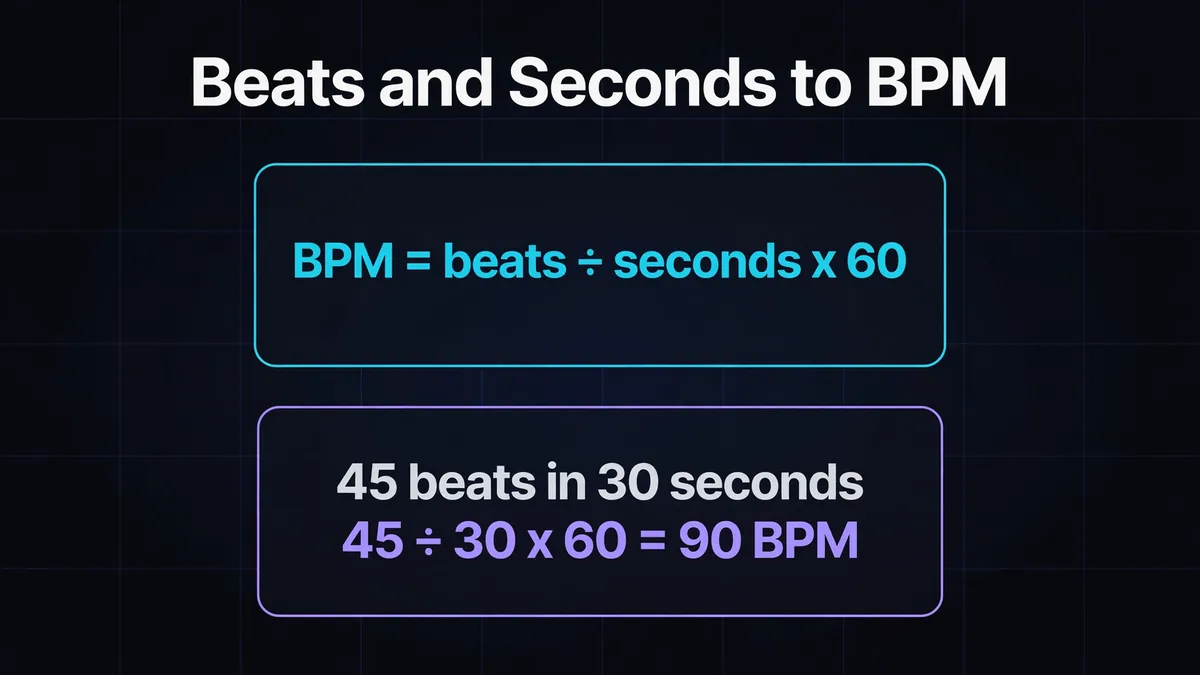
The BPM formula is beats divided by elapsed seconds, multiplied by 60. Division gives beats per second; multiplying by 60 converts that rate to beats per minute. If your duration is already in minutes, divide beats by minutes directly, without the extra multiplication.
For 87 beat intervals in 30 seconds, 87 ÷ 30 = 2.9 beats per second. Multiplying by 60 gives 174 beats per minute. The formula works for a fixed counting window or a timed span of known beat intervals.
One minute and 30 seconds is 90 seconds or 1.5 minutes. It is not 1.30 minutes, which equals 78 seconds. For 180 beats over that span, either 180 ÷ 90 × 60 or 180 ÷ 1.5 gives 120 BPM.
Do You Count Beats or the Gaps Between Them?
When timing from one beat event to another, enter the intervals between them. The starting beat marks zero elapsed time. Eleven beat events contain ten intervals, so starting a stopwatch on the first beat and stopping on the eleventh measures ten beats of elapsed time.
Suppose those eleven events span five seconds. Enter 10 beats and 5 seconds: 10 ÷ 5 × 60 = 120 BPM. Entering 11 would give 132 BPM, an error caused entirely by counting the starting event as elapsed time.
For a complete loop, include the gap from its final beat to the next loop start. Four beats at 120 BPM occupy two seconds, though the first and fourth beat events are only 1.5 seconds apart. Do not subtract one from a complete loop's beat count.
What Do Worked BPM Calculations Look Like?
A worked calculation needs a beat count that matches the measured span, followed by division and multiplication. The examples below include whole seconds and a decimal duration. Each result describes the average pulse rate across that span, whether the measurement came from a stopwatch or an audio editor.
Each example counts quarter notes; scores marked by the dotted quarter need that figure times 1.5 in this site's metronome or BPM to MS calculator.
| Beats measured | Elapsed seconds | Calculation | Result |
|---|---|---|---|
| 87 | 30 | (87 ÷ 30) × 60 | 174 BPM |
| 45 | 20 | (45 ÷ 20) × 60 | 135 BPM |
| 32 | 16 | (32 ÷ 16) × 60 | 120 BPM |
| 16 | 7.5 | (16 ÷ 7.5) × 60 | 128 BPM |
| 48 | 23.8 | (48 ÷ 23.8) × 60 | Approximately 121.01 BPM |
For a rehearsal example, time 48 quarter note intervals in a recording of your band. A span of 23.8 seconds suggests about 121 BPM. Check another passage before choosing a rehearsal click.
Native Instruments uses 174 BPM in a drum and bass tutorial. That is a production example, not a required speed for the genre; explore the drum and bass guide for context.
How Do You Calculate BPM From Bars?
Convert complete bars to the note units you are measuring, then enter that beat count and the elapsed seconds. Time from the start of a bar to the start of the bar after your chosen span, so you include the final interval.
In 4/4, eight complete bars span 32 quarter note beats. Over 16 seconds, those beats give 120 quarter note BPM. The calculator takes beats and time, not bars.
For a four bar 4/4 drum loop without a tempo label, select from its first downbeat to the next loop start in an audio editor. Audacity's selection readouts show selection start, end and duration. A 7.5 second span containing 16 quarter note beats gives 128 BPM. Exclude leading silence or reverb tails outside the musical loop.
In 6/8, eight bars contain 48 eighth notes, equivalent to 24 quarter notes or 16 dotted quarter pulses. Over 16 seconds, that is 90 quarter note BPM or 60 dotted quarter BPM. Musictheory.net explains the dotted quarter beat in 6/8. For this site's metronome and note duration tools, a score marked dotted quarter equals 60 requires 90. The time signatures and BPM guide explains how to keep these units aligned.
How Long Is One Beat? Seconds Per Beat
One beat lasts 60 divided by BPM seconds, or 60,000 divided by BPM milliseconds. You can also divide your measured seconds by your beat count to find the average beat duration directly. This reciprocal relationship provides a useful check: a higher BPM must produce a shorter beat.
The durations below take the quarter note as the beat.
| BPM | Seconds per beat | Milliseconds per beat |
|---|---|---|
| 60 | 1.00 s | 1,000 ms |
| 100 | 0.60 s | 600 ms |
| 120 | 0.50 s | 500 ms |
| 174 | 0.3448 s | 344.83 ms |
The 174 BPM row is rounded to four decimal places in seconds and two in milliseconds. The other rows are exact. Calculate from the original BPM rather than a rounded beat duration. Use BPM to milliseconds for straight, dotted and triplet durations.
How Accurate Is a BPM Calculation?
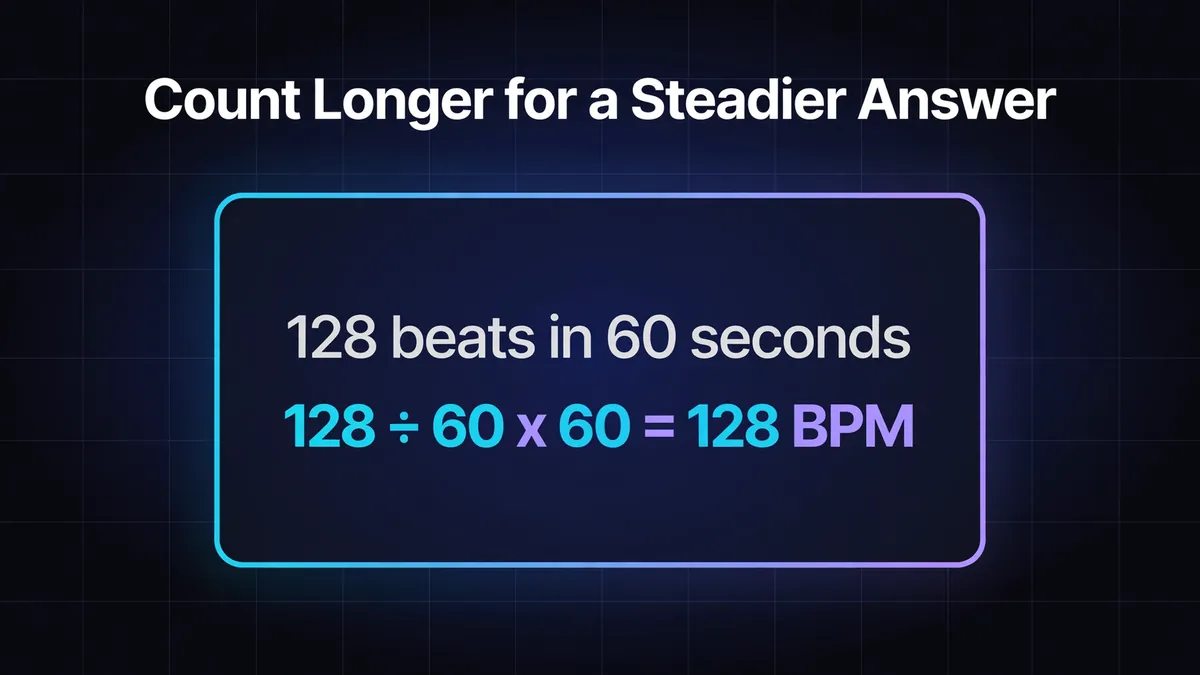
The arithmetic is exact for the inputs, but the measured tempo depends on your count and timing. Extra decimal places cannot correct a missed beat. For a steady passage, a longer measurement reduces the effect of the same timing error or a single counting mistake on the BPM result.
For example, 32 beats in 16 seconds gives 120 BPM. If you stop 0.1 seconds late, 32 ÷ 16.1 × 60 gives about 119.25 BPM. Measure 64 beats over 32 seconds with the same 0.1 second error and the result is about 119.63 BPM, closer to 120.
For a fixed duration, one extra or missing beat changes the result by 60 divided by the duration in seconds:
| Measurement duration | BPM difference from one counting error |
|---|---|
| 15 seconds | 4 BPM |
| 30 seconds | 2 BPM |
| 60 seconds | 1 BPM |
Check waveform peaks by listening: a fill may contain several hits per pulse, and a rest none. If two readings differ by a factor of two, check the counted pulse level using the half time versus double time guide.
What If the Tempo Changes During Your Measurement?
A calculation across changing tempo gives an average rate for the whole measured span. It does not reveal where the speed changed. Measure separate sections if you need a useful click setting for each one, and keep the beat unit the same when comparing their results.
Suppose 32 beats take 16 seconds, then another 32 take 20 seconds. The sections measure 120 and 96 BPM. Together, 64 beats in 36 seconds gives about 106.67 BPM. Simply averaging 120 and 96 gives 108. Combine counts and durations before calculating an overall rate.
BPM Calculator or BPM Counter: Which Do You Need?
Use this calculator when you already know the beat count and time, such as measurements from an audio editor or rehearsal notes. Use the BPM counter when you want a fixed timer that counts taps for you. Choose according to the information you have available.
For music that is playing, tap tempo estimates BPM from tap intervals. For an audio file, the BPM finder estimates tempo directly from the recording. Once you have a quarter note BPM result, enter it in the online metronome to compare a click against the passage. For percentage changes between a measured tempo and a target tempo, use the tempo calculator.