
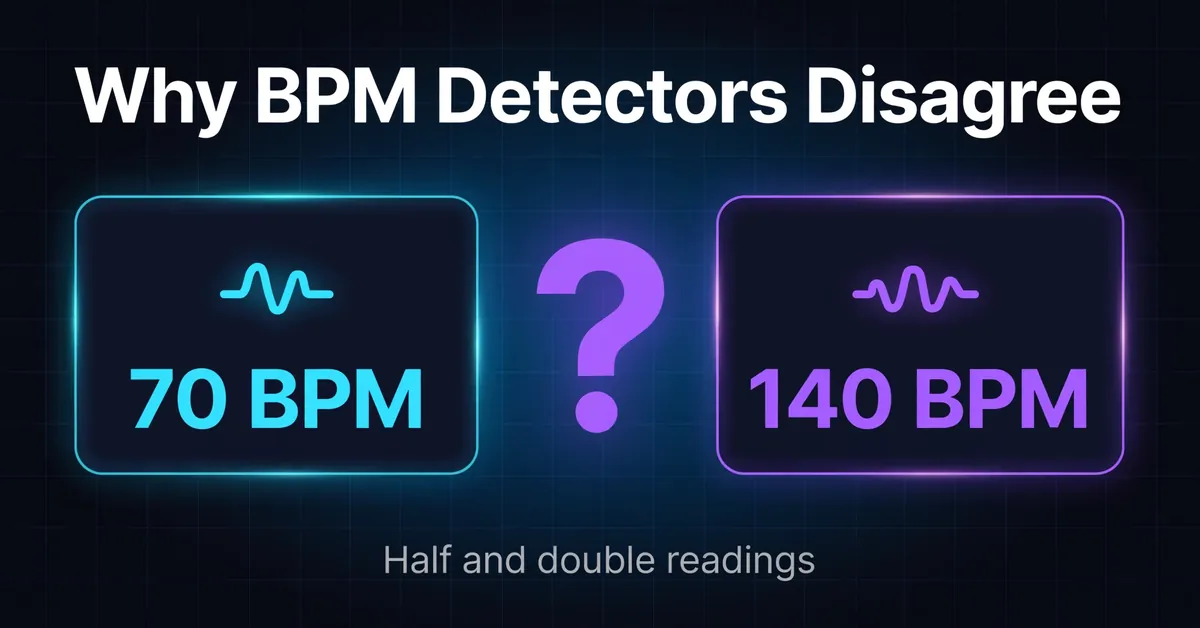
Why Do BPM Detectors Give Different Results?
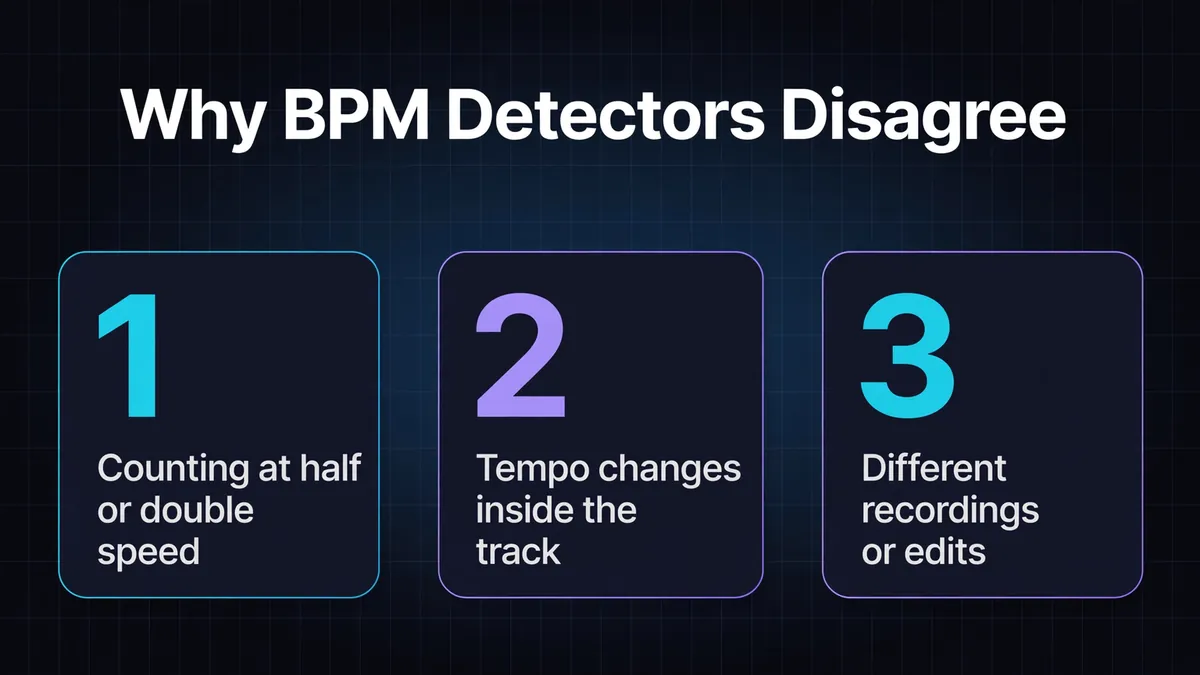
Why do BPM detectors disagree? Because each one estimates a repeating pulse from audio, and a song usually contains several: the kick, the backbeat, the hi hat, the bar. One tool locks onto the quarter note, another onto the half note or the eighth. Some disagreements are real measurement errors, some are honest choices between pulse levels, and some come from a tempo that actually changes.
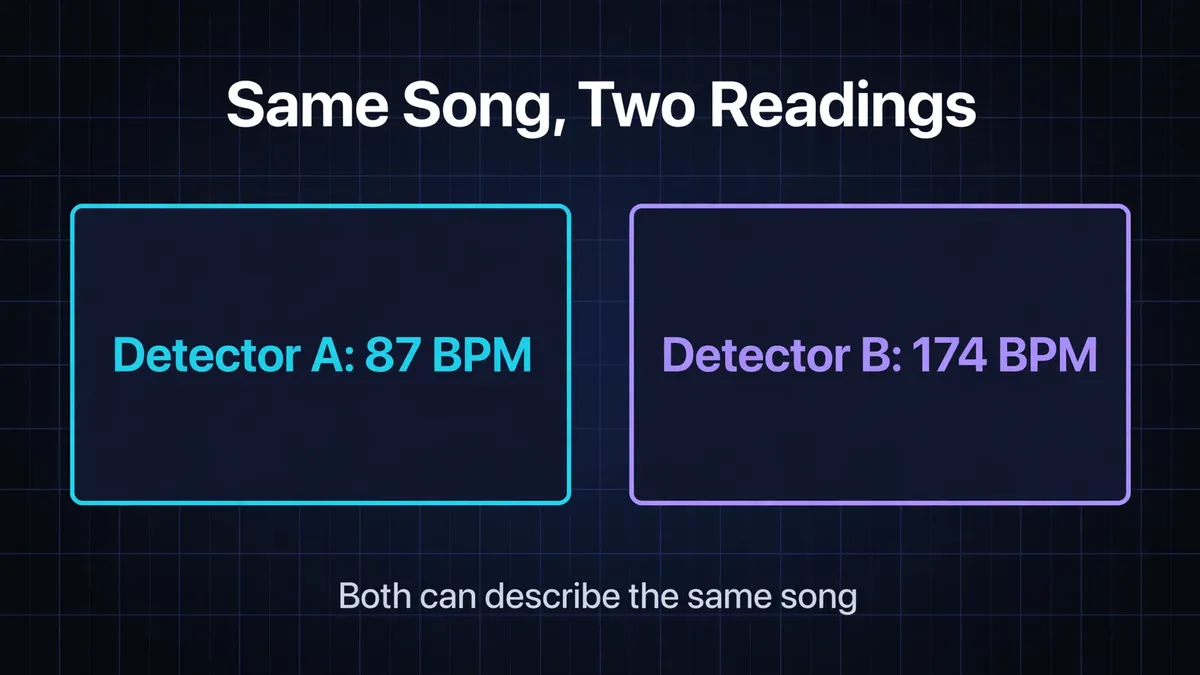
So the first question is never "which app is right?" It is "how are these two numbers related?" A reading of 87 next to 174 tells you something completely different from 124 next to 126.
One more source of confusion sits outside analysis altogether. A file can carry a stored BPM tag, and the ID3 specification defines a BPM metadata field for exactly that. A tag is whatever someone or some program wrote there. It is not proof that a fresh analysis of the audio found the same rate.
What Does a Detector Actually Measure?
Most detectors look for onsets, the starts of notes and drum hits, then ask which time gap repeats most strongly. Librosa's documented beat tracker uses onset strength and onset correlation this way, and it also accepts a starting tempo guess or a prior, a built in preference for some rates over others. Different tools make different choices here, and those choices push them toward different answers on the same file.
Our BPM finder is a concrete example. It runs locally in your browser and reports BPM only. It builds an energy envelope from 50 millisecond windows, measures how sharply that energy rises (onset flux), then uses autocorrelation to find the strongest repeating interval. It only searches between 50 and 210 BPM. A song you would count at 230 cannot come back as 230; the strongest candidate inside the range wins, which will often be half the rate.
Why Is One Reading Exactly Half or Double the Other?
When one result is exactly twice the other, both tools probably heard the same performance and picked different layers of it. Researchers call this a tempo octave error. The word octave borrows from pitch, but here it only means a factor of two in rate.
| Reading A | Reading B | Ratio | Typical cause |
|---|---|---|---|
| 70 | 140 | 2:1 | Half time backbeat vs hi hat or kick pulse |
| 87 | 174 | 2:1 | Drum and bass read at the half time feel |
| 64 | 128 | 2:1 | Detector locked onto every other kick in house |
| 120 | 240 | 2:1 | Eighth notes counted as beats (often out of range) |
A trap beat at 140 BPM with the snare on beat 3 is the classic case. Count the same audio at 70 and that snare lands on beats 2 and 4. Neither number is broken. Which one you store is a convention question, and the half time vs double time guide walks through how to choose.
Check the beat unit before you call anything wrong. If a score says dotted quarter equals 60, a tool that counts quarter notes should show 90, because 60 × 1.5 = 90. That is a unit difference, not an error.
Why Do Some Detectors Show 120 When Others Show 180?
Not every ratio is 2:1. In 6/8 or a heavy shuffle, the felt beat is a dotted quarter split into three eighths. A song at dotted quarter = 120 has eighth notes at 360 per minute, and a quarter note tool would call it 180. So you can see 120 from one app and 180 from another, a 3:2 ratio.
Divide the larger reading by the smaller. If you get 1.5 or 0.667, think compound meter or triplet feel before thinking error. Our time signatures and BPM page covers how beat units shift in x/8 meters.
What If the Tempo Really Moves?
A single BPM cannot describe a live recording that speeds up into the chorus, or a ballad with rubato. Detectors that return one global number average over whatever they analyzed. Give two tools different stretches of the same song and they can both be right for their stretch.
A typical case: a band recording sits near 118 in the verse and pushes to about 122 by the last chorus. A detector that weights the busy chorus says 122. One that weights the longer verse sections says 118. The DJ beatgrid set to 120 fits neither for long.
But a click that wanders is not proof of a moving tempo. A wrong but steady BPM against a steady track also drifts. The difference is the shape: a rate error drifts at a constant speed in one direction, while a real tempo change drifts unevenly, sometimes pulling back.
Does a 0.5 BPM Difference Matter?
Yes, over a full mix. Small gaps come from rounding, different sections or a slightly wrong estimate, and they add up: a 0.5 BPM error puts a grid one whole beat away from the music after two minutes.
Take a track at 124 BPM and a grid set to 123.5. After two minutes the track has played 248 beats and the grid has counted 247. You are a full beat off, which is a train wreck in a mix. With a 0.1 BPM error the same math gives half a beat after five minutes.
| BPM error | After 1 minute | After 2 minutes | After 5 minutes |
|---|---|---|---|
| 0.1 | 0.1 beat | 0.2 beat | 0.5 beat |
| 0.5 | 0.5 beat | 1 beat | 2.5 beats |
| 1.0 | 1 beat | 2 beats | 5 beats |
At 124 BPM one beat lasts about 484 ms (60,000 ÷ 124), so even 0.1 beat is roughly 48 ms, enough to hear flamming kicks. Use the BPM to ms converter for other tempos.
Which Kinds of Audio Confuse Detectors?
Some audio just gives a detector little to work with.
- Beatless intros and ambient pads have few sharp onsets, so the strongest repeat may be a synth arpeggio or chord changes.
- Swing moves every second eighth note late, so the evenly spaced grid a detector expects is not there.
- Syncopated accents, like an offbeat stab or reggaeton's dembow pattern, can pull the estimate toward the wrong grid position or rate.
The fix is usually to analyze a different section. Skip the intro and feed the detector 30 seconds of the main groove with drums clearly present.
What Does the Confidence Number Mean?
Our finder shows a confidence value that compares how far the top candidate stands above the rest of the autocorrelation peaks. It is shown on a 65 to 99 scale and it is not a probability of being correct. A strong repeating pattern earns a high score even when that pattern is a subdivision or a slower layer. So a 95 that reads 87 on a drum and bass track is a very confident half time answer, not a wrong one.
How Do You Settle a Disagreement?
Work in this order: ratio first, then alignment, then change over time.
| What you observe | Likely explanation | Next check |
|---|---|---|
| One reading is exactly twice the other | Different pulse levels | Pick a convention, test both with a click |
| Ratio is 1.5 | Compound meter or triplet feel | Check the beat unit |
| Click sits at a constant offset | Start position wrong, BPM fine | Move the first beat only |
| Click drifts steadily one way | BPM slightly off | Nudge by 0.1 to 0.5 and recheck later |
| Drift comes and goes | Real tempo variation or loose playing | Measure separate sections |
| Intro and chorus disagree | Sparse intro or tempo change | Remeasure the main groove |
- Divide the larger reading by the smaller and note the ratio.
- Set the online metronome to the candidate and line up the first click with a strong downbeat.
- Listen at the start, the middle and a late chorus. Steady drift means adjust the rate; uneven drift means the tempo moves.
- Get an independent reading by tapping along on the tap tempo page. It averages the last 8 gaps between taps and sets outliers aside, so 20 or so steady taps through a chorus give a solid human check.
- If the song really varies, write down section tempos or build a tempo map in your DAW instead of forcing one number.
For more measuring methods, see how to find the BPM of a song.