
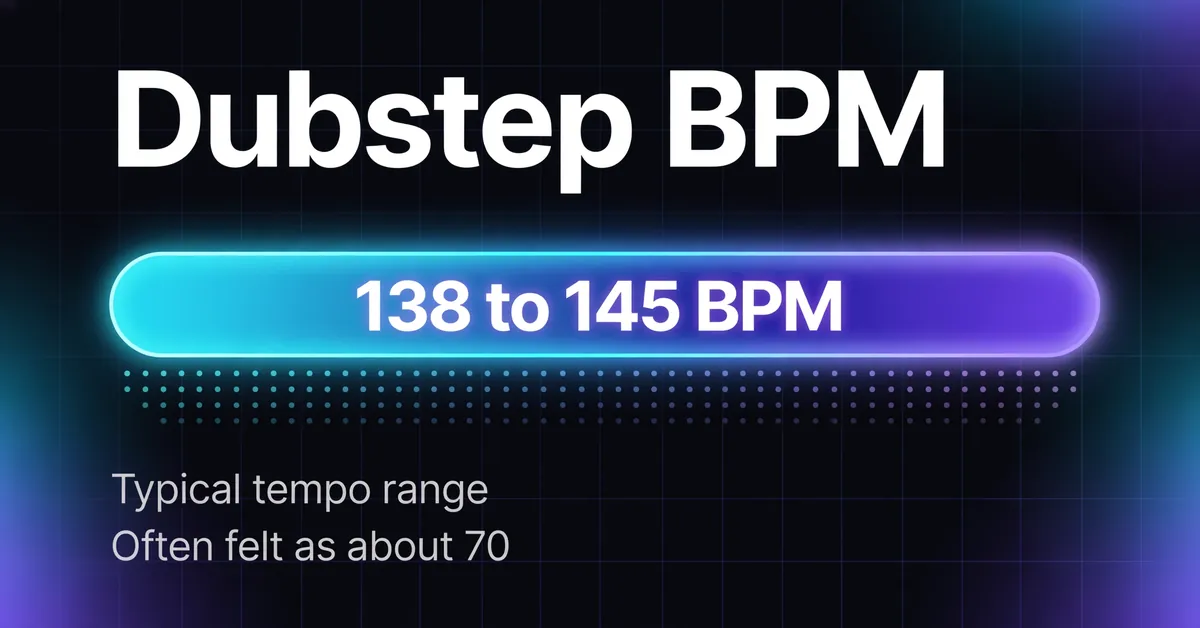
What Tempo Is Dubstep?
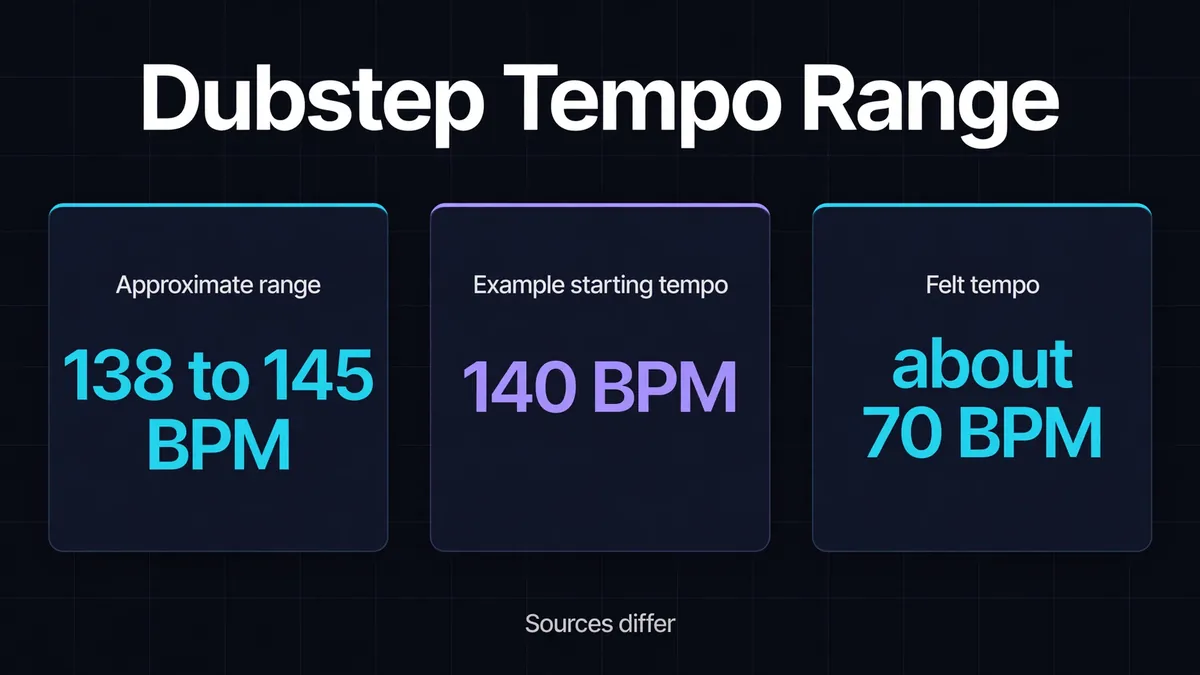
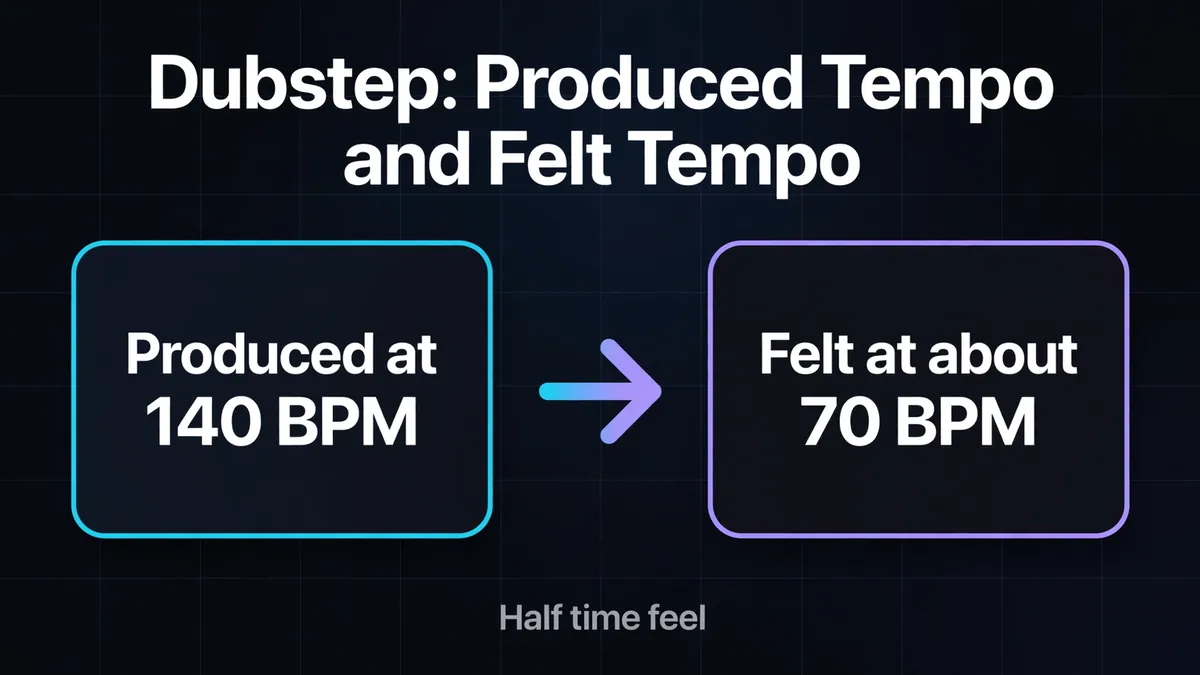
Dubstep BPM has an approximate reference here of 138 to 145 BPM, with 140 BPM as a starting point. A half time drum pattern places the main snare on beat 3, suggesting a slower 70 BPM pulse. Riddim, melodic dubstep and brostep examples can overlap in tempo while differing in bass phrasing and arrangement.
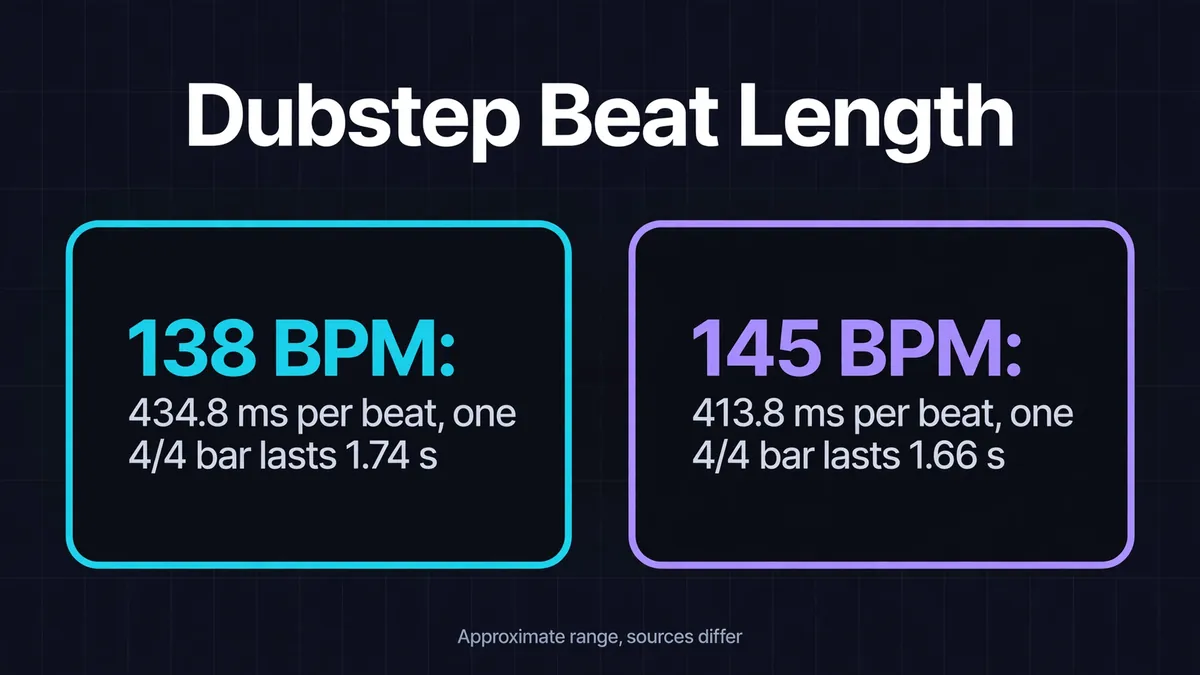
Across that band a quarter note runs from 434.78 ms at 138 BPM to 413.79 ms at 145 BPM. At 140 BPM it is 428.57 ms, and the felt 70 BPM beat is twice that, 857.14 ms.
What BPM Do Dubstep Subgenres Use?
Dubstep subgenres mostly share the 138 to 145 BPM space. This page uses 138 to 142 for classic UK deep dubstep, 140 to 144 for riddim, 138 to 145 for melodic dubstep and a wider 140 to 150 for brostep and tearout. Bass design and arrangement separate them far more than tempo does.
| Subgenre | Approximate BPM reference | How to use the example |
|---|---|---|
| Classic UK deep dubstep | 138 to 142 | Explore sparse drums and sustained sub bass |
| Riddim | 140 to 144 | Try a repeating bass motif |
| Melodic dubstep | 138 to 145 | Compare chord and vocal phrases |
| Brostep and tearout | 140 to 150 | Test a denser bass arrangement beyond the headline band |
Ableton's tempo and genre lesson gives 135 to 145 BPM for dubstep. The 138 to 145 band used here is this site's approximate reference rather than a universal boundary.
Why Start a Dubstep Track at 140 BPM?
140 BPM is a practical starting point because it sits inside every subgenre band on this page and halves cleanly to 70. It lets you test the contrast between a slow backbeat and faster bass modulation. Begin with the sparse drum example, then change the bass rhythm while keeping the drums fixed.
EDMProd's dubstep guide traces the genre's garage roots; that history does not make one BPM mandatory for every track.
How Does Dubstep Feel at 140 BPM?
The classic dubstep feel at 140 BPM puts a kick on beat 1 and the main snare or clap on beat 3, leaving most of the bar open. That single backbeat per bar is what makes the groove feel slower than the grid. Learn it as a one bar exercise in 4/4, counted in sixteenths.
Each beat has four sixteenth note steps, counted 1 e and a. Beats 1, 2, 3 and 4 begin on steps 1, 5, 9 and 13.
| Voice | Steps | Placement |
|---|---|---|
| Kick | 1 | Beat 1; add other kicks as a variation |
| Snare or clap | 9 | Beat 3 in this half time example |
| Hi hat | 3, 11 | Two offbeat hits in this sparse exercise |
The kick and snare sit two quarter notes apart, 857.14 ms at 140 BPM. That space leaves room to hear the bass phrase.
The drum grid is a starting exercise. Additional snares, fills and busier percussion do not automatically move a track into another genre. DJ.Studio's dubstep BPM article also describes the 140 BPM context and the snare on beat 3.
Is Dubstep 70 BPM or 140 BPM?
Dubstep can be described as either, because 70 and 140 BPM are two counting levels of the same audio. The grid and most DAW projects run at 140 BPM, while the half time snare on beat 3 makes listeners feel a 70 BPM pulse. Nothing about the playback speed changes between the two readings.
| Counting level | BPM | Beat length, ms | Where the main snare falls |
|---|---|---|---|
| Grid count | 140 | 428.57 | Beat 3 of each 4/4 bar |
| Felt pulse | 70 | 857.14 | Beats 2 and 4 of a bar spanning two grid bars |
If you share a tempo with a collaborator, say which level you mean. Entering 70 in a DAW that expects 140 doubles every synced delay and LFO period. The half time BPM calculator and half time vs double time explain the distinction in more depth.
Note Values at 140 BPM
Values are quarter notes at 140 even though dubstep is often felt at half that speed; the snare on beat 3 does not change the grid.
| Note value | Length in ms |
|---|---|
| Quarter note | 428.57 |
| Eighth note | 214.29 |
| Sixteenth note | 107.14 |
| Dotted eighth note | 321.43 |
| Eighth note triplet | 142.86 |
Worked example: 60,000 ÷ 140 = 428.57 ms, and 428.57 ÷ 3 = 142.86 ms. A dotted eighth is 428.57 × 0.75 = 321.43 ms.
How Do You Sync a Wobble LFO at 140 BPM?
To sync a wobble, set the LFO to a note value instead of a free rate. At 140 BPM, a quarter note LFO cycles at about 2.33 Hz, an eighth at about 4.67 Hz, an eighth triplet at exactly 7 Hz and a sixteenth at about 9.33 Hz. Faster divisions sound more aggressive; slower ones sound heavier.
| LFO division at 140 BPM | Cycle length, ms | Rate, Hz |
|---|---|---|
| Half note | 857.14 | 1.17 |
| Quarter note | 428.57 | 2.33 |
| Eighth note | 214.29 | 4.67 |
| Eighth note triplet | 142.86 | 7.00 |
| Sixteenth note | 107.14 | 9.33 |
Try a low frequency oscillator, or LFO, modulating a filter, then compare a fixed rate with a rate that changes at the end of the phrase. A wobble is one option; a sustained sub bass or sharply gated phrase can use the same tempo.
Set the project tempo in Ableton Live, FL Studio or Logic Pro before syncing. Scenario: a producer automates the LFO from eighth notes to eighth triplets on the last bar of a phrase. The rate jumps from 4.67 Hz to 7 Hz, a 50% increase, which signals the turnaround without touching the drums. Use BPM to Hz to check other rates.
How Long Are Bars and Phrases at 140 BPM?
One 4/4 bar at 140 BPM lasts 1,714.29 ms, about 1.71 seconds. Sixteen bars take about 27.43 seconds and thirty two bars about 54.86 seconds. That makes a 32 bar build roughly 10.7 seconds longer than the same bar count at 174 BPM drum and bass.
| Tempo | Quarter note, ms | One bar, ms | 16 bars, s | 32 bars, s |
|---|---|---|---|---|
| 138 BPM | 434.78 | 1,739.13 | 27.83 | 55.65 |
| 140 BPM | 428.57 | 1,714.29 | 27.43 | 54.86 |
| 145 BPM | 413.79 | 1,655.17 | 26.48 | 52.97 |
| 150 BPM | 400.00 | 1,600.00 | 25.60 | 51.20 |
Practicing and Mixing at Dubstep Tempos
Players: Program the kick and snare first, then add one bass phrase. Count the 140 BPM grid and the 70 BPM pulse over the same loop. Keep the audio speed fixed so you can hear the difference between a counting level and an actual tempo change.
A drummer can set the online metronome to 140 with eighth note subdivisions and play the snare only on beat 3. Then switch the count in your head to 70 and feel the same snare as a backbeat. The click never changes; only your counting level does.
To check a track's tempo, tap the snare with the tap tempo tool using the spacebar or a letter or number key. Tapping only the beat 3 snare gives about 35 BPM at a 140 grid, so tap kick and snare both to read 70, then double it for the grid. For a file on your computer, the BPM finder analyzes it locally and reports BPM only.
DJs: Preview where the main snares land when moving between dubstep and trap at a shared grid tempo. For a transition to drum and bass, remember that 140 and 174 BPM have no half or double tempo relationship. Choose a tempo change or a transition point that does not depend on aligned beats.
Pushing 140 up to 174 is about 24.29%, so most DJs cut, echo out or use a bridge track. The tempo calculator gives the percentage for any pair.
Which Mistakes Come Up Most With Dubstep Tempo?
The most common mistake is setting the project to 70 BPM because the track feels slow, which doubles every synced delay and LFO period. Others include tapping only the snare, judging a subgenre by tempo alone and assuming 140 BPM dubstep lines up with drum and bass by halving.
- Project at 70 instead of 140: an eighth triplet LFO drops from 7 Hz to 3.5 Hz and the wobble sounds half as fast as intended.
- Tapping only beat 3: the reading lands near 35 BPM. Tap kick and snare, or count all four grid beats.
- Subgenre by number: 140 BPM fits all four rows in the subgenre table. Listen to the bass motif and arrangement.
- Halving toward drum and bass: 174 ÷ 2 = 87, not 70, so the pulses still differ.
- Free running LFO: an unsynced rate such as 6.5 Hz slowly slides against the 140 BPM drums. Sync it or pick 7 Hz deliberately.