
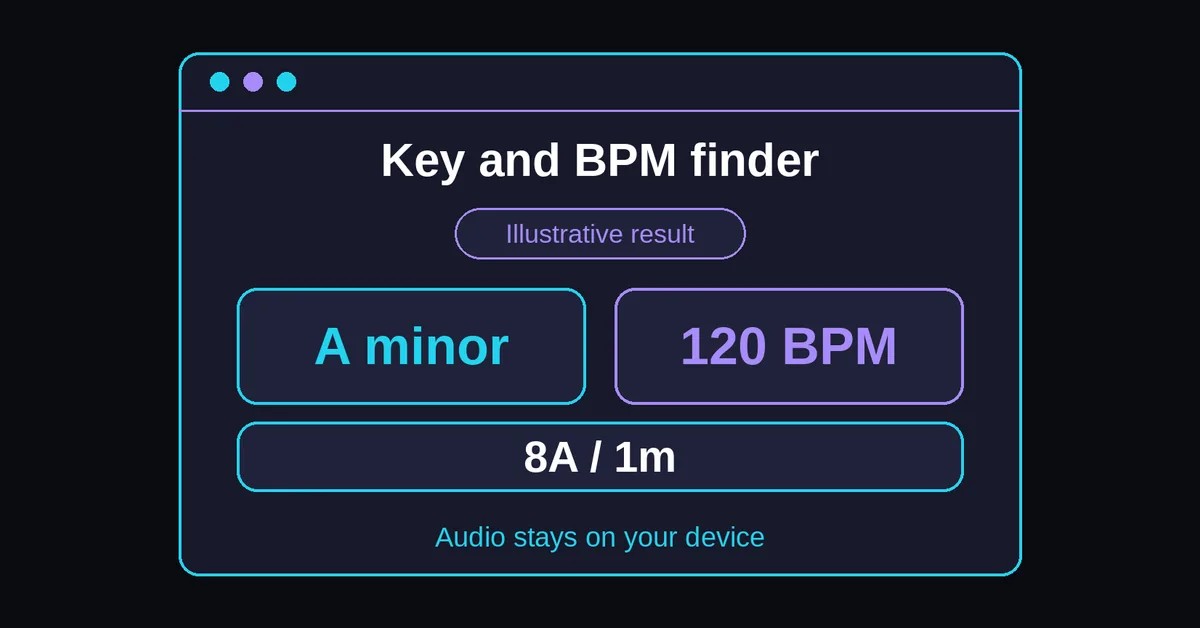
How do you find a song's key and tempo?
Choose a file, select a passage with pitched instruments and a clear pulse, then run Analyze. Read the leading key, alternative and tempo together. Play the passage and compare the tonic chord previews before accepting a label. Change the selected range when the opening or ending provides little useful evidence.
- Choose or drop one local file, up to 25 MB and 5 minutes long.
- Keep the default range or enter start and end times for up to 60 seconds.
- Select Analyze and note the timestamps attached to the result.
- Use Play passage and Pause to inspect the excerpt, then audition both Play tonic chord references.
- Copy result after checking it, or Clear file before selecting another recording.
For a three minute recording, the default middle minute runs from 60 to 120 seconds. If that passage is a breakdown, try a shorter section with bass and chords elsewhere. Choose a passage according to the missing evidence:
| Passage you hear | What to try next |
|---|---|
| Drums without pitched instruments | Keep the tempo finding; choose a tonal passage for key |
| Chords without a clear pulse | Check key; choose a rhythmic passage for tempo |
| Verse and chorus with contrasting harmony | Analyze each separately and keep the timestamps |
For tempo alone, use the existing BPM finder.
What do the results mean?
The result card separates musical key, notation and tempo because they describe different properties. Match strength describes how well a candidate fits the analyzed pitch profile, not a percentage chance of correctness. The alternative is the next ranked key candidate to audition, rather than a second confirmed answer or an automatic relative key.
This is an illustrative result, not a measurement of a named song:
| Result field | Example | Interpretation |
|---|---|---|
| Estimated key | A minor | Leading major or minor key candidate |
| Alternative key | C major | Another candidate to audition |
| Camelot / Open Key | 8A / 1m | Two labels for A minor |
| Tempo | 120 BPM | Estimated counting rate |
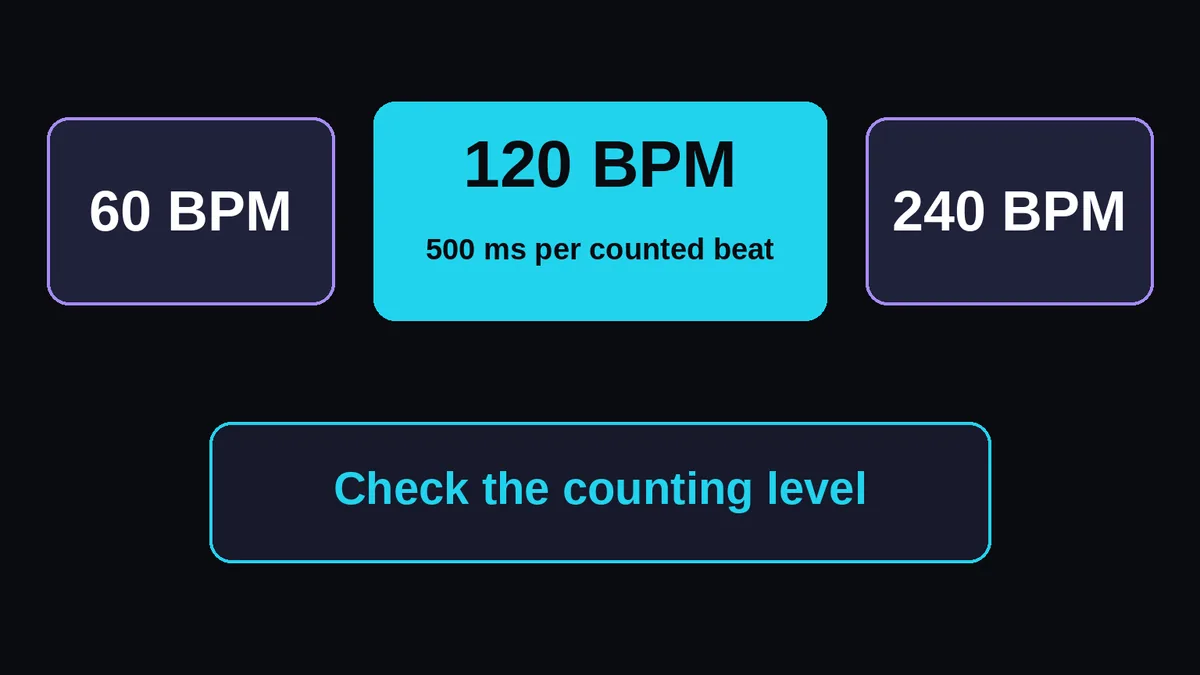
| Half / double options | 60 / 240 BPM | Other counting levels to check |
| Match strength | Weak, moderate or strong | Tool specific fit category, not probability |
The Mixxx notation table confirms A minor as 8A and 1m. These codes describe the same key; neither number represents BPM. Open the linked Camelot wheel to explore relationships from the leading candidate.
Profile based key estimation compares pitch class information with major and minor profiles. Essentia's Key documentation distinguishes a key estimate from its strength measures. Here, weak, moderate and strong are product categories; no real song benchmark percentage is available for this implementation.
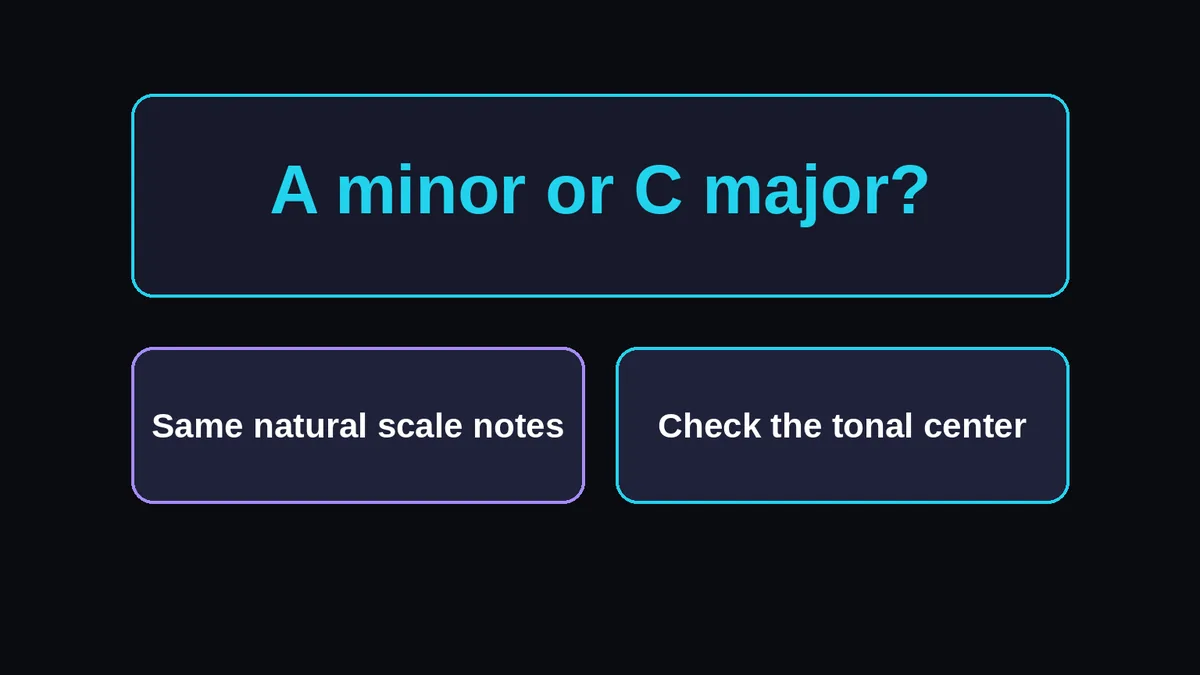
How can you check A minor against C major?
Compare where the passage sounds settled, rather than counting how many scale notes the two candidates share. Play a phrase ending, pause it, then audition each tonic chord. Check another phrase ending and the bass movement. If neither candidate gives a convincing tonal center, retain the uncertainty and analyze a contrasting passage.
A natural minor and C major contain A, B, C, D, E, F and G, with different tonics. Harmonic and melodic minor introduce alterations, so keep the word natural when describing the shared collection. Texas A&M's minor scales chapter explains relative keys and those minor scale forms.
- Choose a short phrase that comes to a resting point, avoiding an isolated drum fill.
- Listen for whether A or C feels like the phrase's destination; compare with the candidates' synthesized chords.
- Repeat on a second phrase. Write down whether the same candidate still fits.
Do not accept whichever preview sounds pleasant over one sustained note. If your verse favors one candidate and the chorus another, preserve both passage results rather than forcing a single library tag immediately.
Why can the key or BPM be uncertain?
An estimate depends on the passage and the musical evidence it contains. Related keys can fit similar pitch collections, while changing harmony can alter the strongest candidate. Tempo detection may follow a slower or faster pulse than you expect. Check each result separately, since a useful BPM estimate does not establish a reliable key.
The model compares major and minor keys in twelve tone equal temperament using A4 = 440 Hz, without automatic tuning correction. It does not identify every mode or measure tuning. Detuned recordings can give weaker or different matches; Essentia's KeyExtractor reference documents tuning parameters and detuning correction as distinct choices.
A modal passage is therefore not confirmed as major or minor merely because one label leads. Likewise, analyzing across a key change can obscure the difference between sections. Select a passage on each side and compare them manually; this song key detector does not map every change automatically.
When tonal evidence is insufficient, the tool can report "No reliable key estimate" and disable key previews and the wheel link. Tempo failure is reported separately. A percussion passage can still yield a pulse, while an unpulsed tonal passage can leave the tempo unresolved. Change the excerpt according to the missing evidence.
Which files can you analyze locally?
Start with a local MP3 or PCM WAV containing no more than two channels. The file must be 25 MB or less and no longer than 5 minutes. Other formats depend on browser decoding support. Analysis uses up to 60 seconds, but selecting a short range does not avoid decoding the complete file.
The size ceiling means 25,000,000 bytes, and the duration ceiling is 300 seconds. The default range is the middle 60 seconds, or the whole recording if shorter. Prepare an excerpt outside this page when your original exceeds the file limits.
MDN's decodeAudioData reference for the Web Audio API explains that browser decoding requires complete file data. Compressed size alone does not describe the resulting memory demand. A file inside the limits can still fail a decoding or memory check, particularly on a constrained device; the page explains the error so you can choose a shorter file.
Keep the tab open during analysis. Cancel analysis discards the current job, although native decoding may finish before its result can be released. Clear file removes loaded audio and results from the active session; it does not promise immediate physical memory erasure. Audio, filenames and results stay out of storage, telemetry and network requests.
Should you use the half or double BPM reading?
Choose the counting rate that matches the pulse you intend to use for the task. Half BPM and Double BPM change the displayed number without changing playback speed. Check a steady passage by tapping, then follow several bars at the candidate rate. A faster drum subdivision alone is not a reason to double the result.
These timing examples count quarter notes. The detector does not read printed notation, so it cannot tell whether a song in 6/8 is felt in dotted quarters; Puget Sound's meter reference explains the distinction between simple and compound beat divisions.
At 120 BPM, successive quarter note beats are 500 milliseconds apart: 60,000 ÷ 120 = 500. Half gives 60 BPM and 1,000 ms; double gives 240 BPM and 250 ms.
For a manual check, use tap tempo or how to count BPM. If you tap about 120 while the result says 60, try Double BPM and follow the phrase. If neither rate holds through the passage, investigate tempo variation instead of repeatedly halving or doubling. See why BPM detectors disagree for counting ambiguity.
How can you use and check the combined result?
Use the checked key and tempo to compare a sample with a project, prepare DJ library tags or choose a pitch correction setting to test. Verify timing over several bars and compare pitched parts at the intended playback speed. Copy result supplies text for your workflow; it does not edit the recording or its metadata.
For a DAW check in Ableton Live, Logic Pro, FL Studio or Pro Tools, try a hypothetical 120 BPM loop in a 120 BPM project. With quarter note BPM and a 4/4 time signature, four bars contain 16 beats and last 8 seconds:
Calculate 4 × 4 × 60 ÷ 120 = 8. Align the first downbeat, then check the next downbeat after four complete bars. Counting only through the last beat's onset stops one beat early. If the endpoints disagree, revisit the excerpt boundaries and pulse before stretching the sample.
For DJ preparation, copy the checked label into your library manually and audition the actual bass and vocal overlap. For pitch correction, test a phrase before applying the setting throughout a vocal. Ordinary playback speed changes also move pitch, while time stretching can preserve it, as SoundTouch's documentation explains. Use the BPM changer when you need to edit tempo, then check its pitch mode.
Keep a manual note of the recording version, selected timestamps and any unresolved alternative before clearing a file. For example, a chorus label cannot establish the key of an unrelated intro. This small record lets you revisit the same musical evidence when a later session or another analyzer disagrees.