
What Is the Difference Between Half Time and Double Time?
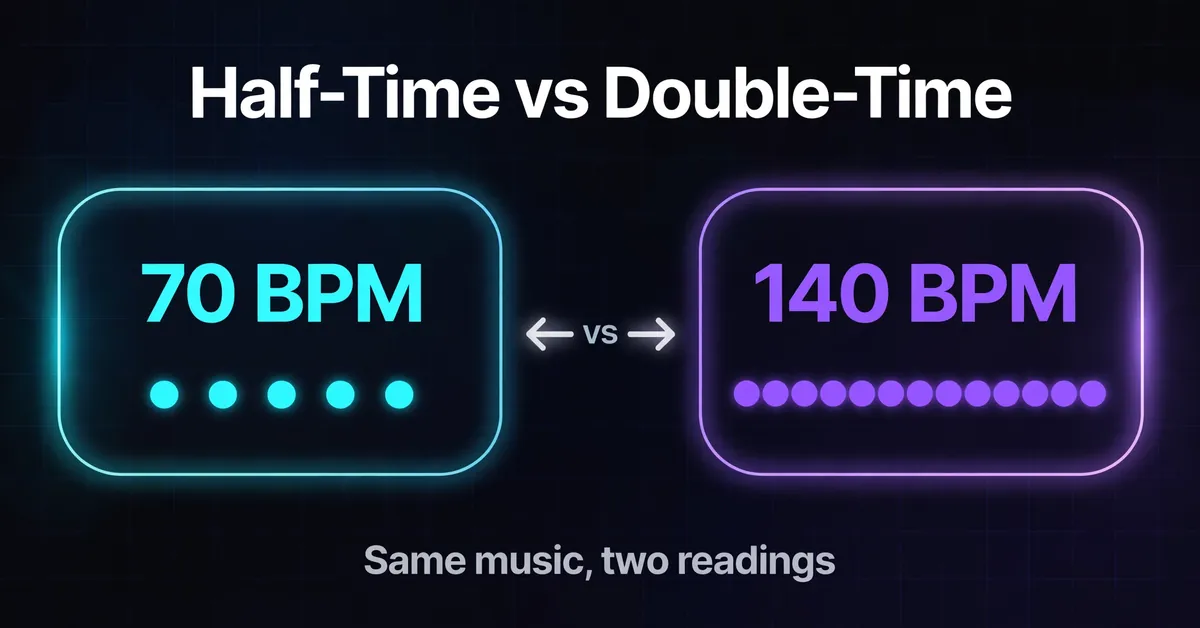
Half time vs double time comes down to a reference pulse. Half time feels like the beat moved at half speed, usually because the backbeat is spread out; double time feels twice as fast because a busier layer takes over. Either can happen while the tempo stays put, or it can just mean counting the same audio at half or twice the BPM.
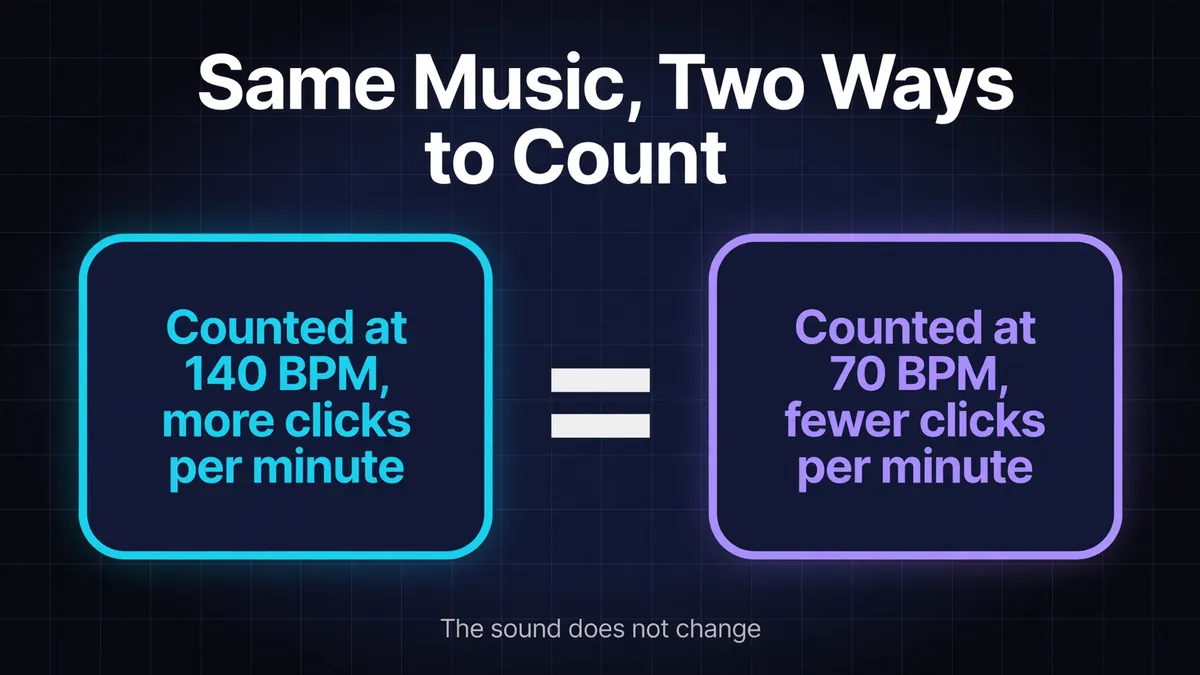
That second meaning causes most of the arguments. A track can be called 70 or 140 BPM without a single sample changing. Neither label is a mistake. They are two ways of counting one performance, and which one you use depends on the job in front of you.
Feel Change or Number Change?
There are three separate things hiding under these words, and mixing them up leads to bad decisions.
- A feel change. The drummer plays a half time groove at 120 BPM. The click stays at 120. Only the pattern changed.
- A counting change. You relabel a 140 BPM trap beat as 70. Nothing in the audio moves; bar numbers and note values do.
- A playback change. You actually slow a recording to half speed. Now the duration doubles, and unless you time stretch, the pitch drops an octave.
Only the third one changes what you hear. The half time BPM calculator and double time BPM calculator handle the arithmetic for the second case. This page is about deciding which interpretation fits.
How Does the Snare Help You Tell Them Apart?
In 4/4, a standard backbeat puts the snare on beats 2 and 4. If you count a song and the snare lands only on beat 3 of each bar, you are probably counting at the faster level of a half time groove. Halve the number and the snare moves to 2 and 4. That is useful evidence, though not a law.
Native Instruments' trap tutorial builds a beat at 140 BPM with claps on beat 3. Count that same pattern at 70 BPM and two of its bars fold into one, with the claps on 2 and 4. The tutorial shows one example; it does not make 140 the rule for every trap song.
The test breaks down fast. Plenty of music has no snare, some backbeats shift around, and drum and bass breaks scatter snares in syncopated spots. When drums do not help, follow the phrase. Chord changes and vocal lines tend to land on bar lines, and the counting level that makes phrases come out in tidy groups of 4 or 8 bars is usually the more natural one.
What Do the Two Counting Levels Look Like Side by Side?
The table assumes BPM counts quarter notes in 4/4. If a score says dotted quarter = 60, a quarter note tool needs 90. Durations are rounded to the nearest millisecond.
| Same performance | Counted at 70 BPM | Counted at 140 BPM |
|---|---|---|
| One beat | About 857 ms | About 429 ms |
| One bar of 4/4 | About 3,429 ms | About 1,714 ms |
| Snare on | Beats 2 and 4 | Beat 3 of every bar |
| 27.4 seconds of music | 8 bars | 16 bars |
| A hi hat roll at 32nd notes (140 count) | Written as 64th notes | Written as 32nd notes |
So 60,000 ÷ 70 = 857.14 ms and 60,000 ÷ 140 = 428.57 ms. Same audio, two grids. For other tempos the BPM to ms converter does the division.
Drum and bass shows the same pattern one step up. A tune at 174 BPM has a beat of about 345 ms. Plenty of listeners feel it at 87, about 690 ms per beat, because the snare comes once per bar at the faster count.
Which BPM Should a Producer Use?
Pick the grid that makes your parts easiest to write and read. For trap, a 140 project keeps the hi hat rolls at 16th and 32nd notes instead of 32nd and 64th, which many producers find easier to edit. A 70 project keeps bar counts short and loops compact.
Here is a scenario that comes up a lot. You download a 70 BPM sample pack loop and drop it into a 140 session in Ableton Live or FL Studio. If warping is on, the DAW may stretch it to double speed, and it sounds wrong. The loop was fine; it just needed to be read as 140 with twice as many bars. Check the loop's original tempo setting before you blame the sample.
Collaboration matters more than the number itself. Tell your co producer or mix engineer which level the session uses, and write the alternate in the file name if you like, such as "beat_140 (70).wav". Genre labels cannot settle it for you.
How Do DJs Handle a 70 and 140 BPM Track?
A 70 BPM track and a 140 BPM track can beatmatch with no pitch fader change at all. Every beat of the slower track lines up with every other beat of the faster one. You still need to check where bar 1 falls and how long the phrases run.
Say you are mixing a 70 BPM hip hop cut into a 140 BPM dubstep track. One bar of the hip hop tune covers two bars of the dubstep tune. If the dubstep drop comes after 16 bars, that is only 8 bars of the hip hop record. Count the phrase at one level, or the drop will land in the middle of a vocal line.
Many DJ apps offer a button to halve or double the analyzed BPM. Using it changes the label and the beatgrid spacing. It does not change playback speed, and it does not fix a grid whose first beat sits in the wrong place. After switching, check the downbeat, then check again a few minutes in.
Library consistency helps. If you file all your drum and bass at 174, do not let a few tracks sit at 87. Sorting by BPM then keeps the whole genre together.
What Do Drummers Mean by Half Time and Double Time Feel?
For a drummer, half time feel at 120 BPM usually means moving the snare from beats 2 and 4 to beat 3. The snares go from 1,000 ms apart to 2,000 ms apart, while the hi hats often keep the original pulse. The band keeps playing at 120.
Double time feel works the other way. At 90 BPM a normal backbeat has snares 1,333 ms apart. Play them twice as often and they are about 667 ms apart, and the song suddenly sounds like 180 even though the chords still move at 90.
Jazz uses the term in a related way. Bassist Damian Erskine explains that double time feel means playing a faster rhythmic layer while the chord changes keep their original pace. A soloist can go double time over a ballad without the rhythm section speeding up.
To practice these switches, set the online metronome to the song tempo and keep it there while you move between feels. If the click starts to feel wrong, you have changed tempo, not feel.
Why Do Detectors and DAWs Pick the Other Level?
Tempo analysis finds the strongest repeating interval inside a search range. A busy hi hat can win over the backbeat, or a heavy half time snare can win over the kick. Our BPM finder searches 50 to 210 BPM, so a song you count at 240 will come back at a slower level such as 120.
So a half or double reading is often a fair answer at another level, but not always. A detector can also simply misread the audio. Why BPM detectors disagree covers rate errors, sparse intros and tempo changes. For a quick human check, tap along on the tap tempo page at whichever level you feel, then compare.
What Mistakes Come Up Most Often?
- Treating a halved number as proof the song is slow. 70 and 140 describe the same speed.
- Slowing a recording to "make it half time." That changes the actual tempo and, without time stretching, the pitch.
- Letting a DAW warp a 70 BPM loop to fit a 140 session, doubling its speed.
- Counting a 6/8 groove and calling the 3:2 difference a half time issue. Dotted quarter = 120 equals quarter = 180, not 240.
- Fixing the BPM label but leaving the first downbeat misplaced in a DJ grid.