
What Does This Tempo Calculator Do?
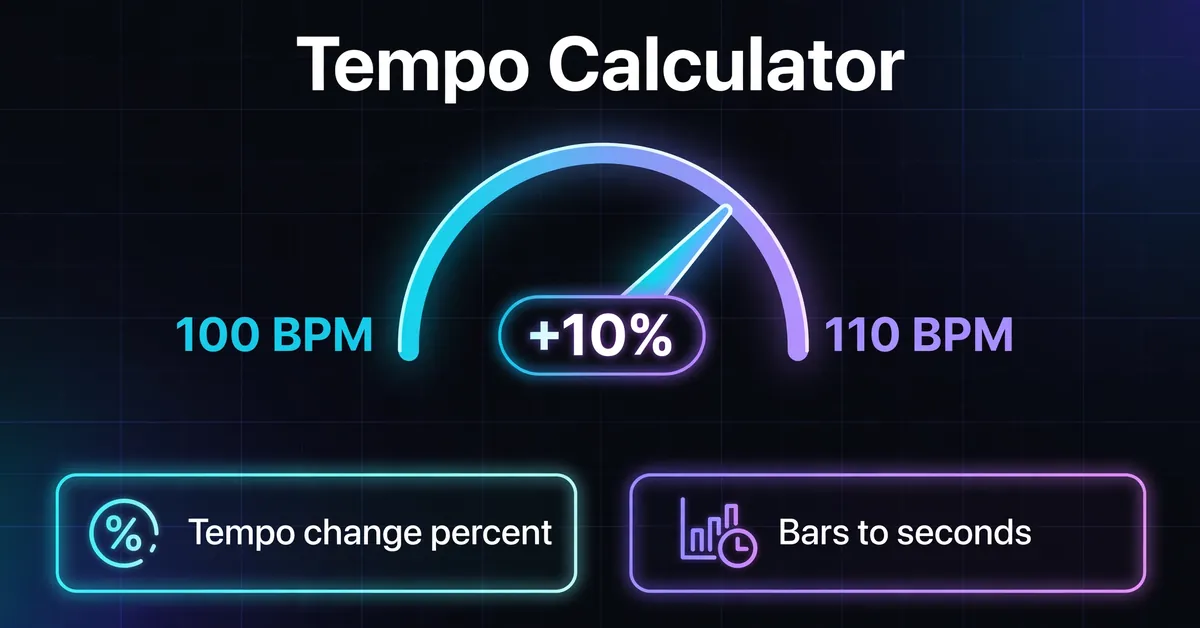
This tempo calculator compares original and target BPM to calculate percentage change, speed ratio, duration ratio and pitch change from playback without compensation. It also converts bars to seconds. Use it to plan an arrangement, work out a time stretch setting or check how a speed change affects a recording.
Enter the original and target BPM for a tempo comparison, then enter a bar count for section duration. The results are reference values to apply in your audio software; the calculator does not stretch or transpose audio.
Need the starting BPM? Use the BPM calculator for counted beats, tap tempo for music you hear or the BPM finder for an audio file.
How Do You Calculate a Tempo Change?
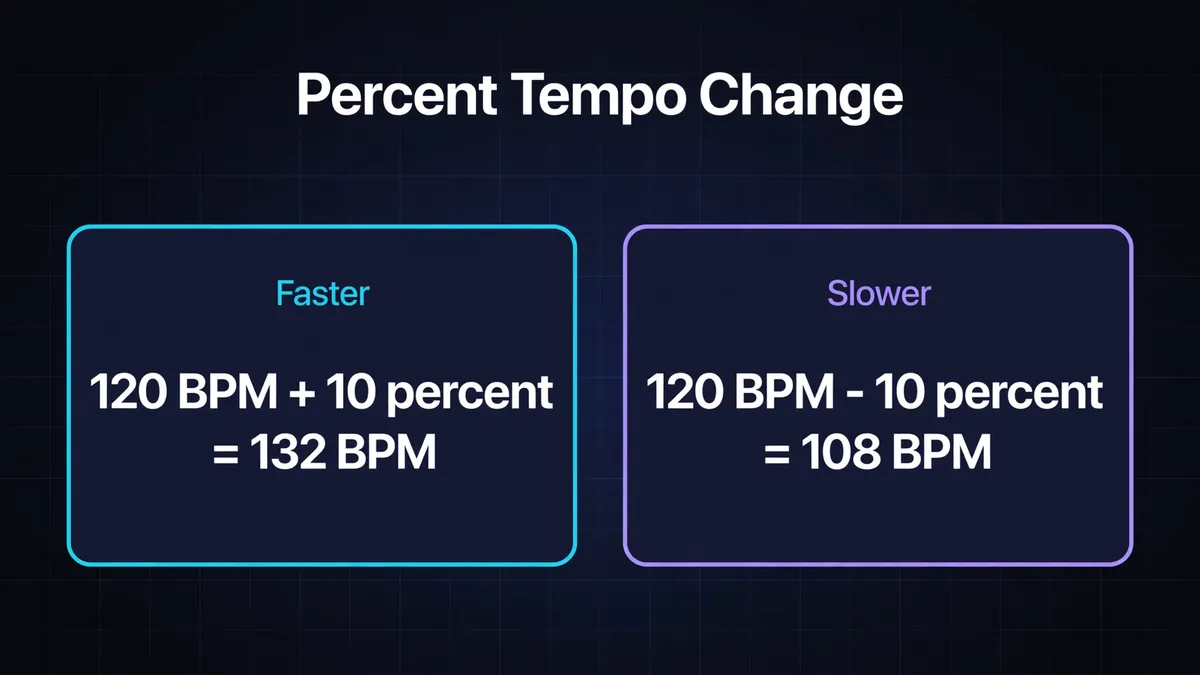
Divide target BPM by original BPM for the speed ratio. Reverse the division for the duration ratio. Subtract one from the speed ratio and multiply by 100 for the percentage tempo change. Both tempos must count the same note value for the comparison to mean anything.
Speed ratio = target BPM ÷ original BPM
Percentage change = (speed ratio minus 1) × 100
Duration ratio = original BPM ÷ target BPM
For note based calculations, this tool uses quarter note BPM. For a score marked dotted quarter = 60, enter 90 here.
| Calculation from 120 to 128 BPM | Result |
|---|---|
| Speed ratio: 128 ÷ 120 | About 1.06667 |
| Playback speed as a percentage | About 106.67 percent |
| Tempo increase | About 6.67 percent |
| Duration ratio: 120 ÷ 128 | 0.9375 |
| New duration as a percentage of original | 93.75 percent |
A 32 second phrase becomes 32 × 120 ÷ 128 = 30 seconds. A control asking for speed percentage needs about 106.67 percent; one asking for new length as a percentage of the original needs 93.75 percent. Check the label before transferring a time stretch calculator result.
That phrase is 6.25 percent shorter, although the tempo is 6.67 percent faster. Keep the full ratios until the final result. Reversing the change means dividing by the original ratio, not subtracting the same percentage.
How Do You Fit Music Into a Target Duration?
Multiply the original BPM by the original duration divided by the required duration. This finds the tempo that fits the same musical content into a new time slot. Measure the exact section you intend to stretch, excluding unrelated silence or a tail you plan to leave untouched.
Target BPM = original BPM × original seconds ÷ target seconds
Fitting the 32 second phrase into 30 seconds gives 120 × 32 ÷ 30 = 128 BPM. This is a manual calculation, not an additional tool mode.
Suppose a producer has a 45 second cue at 100 BPM that must fill 50 seconds. The required tempo is 100 × 45 ÷ 50 = 90 BPM. Playback runs at 90 percent of the original speed; the duration becomes about 111.11 percent of its original length.
If the brief requires a 30 second file including a separate two second tail, the musical section has 28 seconds available. Allocate that space before calculating the tempo. Otherwise, the arrangement fits while the delivered file overruns.
Why Does Changing Tempo Change Pitch?
Changing playback speed without pitch compensation changes waveform frequency by the same ratio. Faster playback raises pitch; slower playback lowers it. The pitch shift by tempo depends on the ratio between target and original BPM, rather than the BPM difference alone. Equal BPM increases therefore produce different pitch shifts at different starting tempos.
Semitone change = 12 × log2(target BPM ÷ original BPM)
The tempos must use the same beat unit. For a score marked dotted quarter = 60, use 90 quarter note BPM here. Moving from 120 to 128 BPM raises pitch by about 1.12 semitones without compensation. Doubling playback speed raises pitch by 12 semitones, one octave; halving it lowers pitch by an octave. UNSW explains the equal temperament ratios.
Time stretching aims to change duration while preserving pitch. Pitch shifting aims to change pitch while preserving duration. The calculator's semitone result describes uncompensated playback, not the intended result with pitch preservation enabled.
In Ableton Live, Re-Pitch mode links playback rate and pitch. FL Studio's sampler documentation distinguishes Resample from pitch preserving stretch modes. For DJ playback, djay's Key Lock preserves pitch when tempo changes. Check the selected mode before using the pitch result to plan a vocal or instrumental blend.
How Long Do Bars Last? Bars to Seconds
Multiply the bar count by the number of quarter notes per bar, then by 60 divided by BPM. The result is elapsed seconds at a fixed tempo. This measures the section from its first bar boundary to the boundary immediately after its final bar, without adding a count in or effect tail.
Duration (seconds) = bars × quarter notes per bar × (60 ÷ BPM)
These note values assume BPM counts quarter notes. For a score marked dotted quarter = 60, enter 90 here. This table assumes 4/4 and a fixed tempo.
| Section length | At 120 BPM | At 128 BPM |
|---|---|---|
| 8 bars | 16 s | 15 s |
| 16 bars | 32 s | 30 s |
| 32 bars | 64 s | 60 s |
| 64 bars | 128 s | 120 s |
These values are exact. Reverse the equation for a known duration: bars = seconds × BPM ÷ 240 in 4/4. Three minutes at 128 BPM contain 180 × 128 ÷ 240 = 96 bars.
For a songwriter, an extra eight bars at 120 BPM adds 16 seconds. To shorten a rough arrangement, compare removing that repeat with speeding up the whole song. The first choice changes structure; the second changes the pace of every retained section.
What Changes in Other Time Signatures?
The duration formula still works when you count quarter notes per bar correctly. A 3/4 bar contains three quarter notes, while a 6/8 bar contains six eighth notes, also equivalent to three quarters. Equal written lengths do not mean the meters share the same grouping or musical feel.
These examples assume BPM counts quarter notes. For a score marked dotted quarter = 60, enter 90. At that marking, one 6/8 bar lasts 3 × 60 ÷ 90 = 2 seconds. Eight bars last 16 seconds.
Do not enter six quarter notes per bar just because the signature starts with six. Musictheory.net explains compound meter and why a dotted quarter equals three eighth notes. For a section that changes meter, calculate each span separately and add the seconds. Use the note duration calculator for individual written note lengths rather than whole sections.
How Do You Plan Practice Tracks and DJ Transitions?
Use the duration ratio to budget rehearsal time and the bars calculation to mark transition windows. A slower backing track takes longer to play, while a faster DJ transition leaves fewer seconds for the same number of bars. Work from the section's tempo and boundaries rather than the full recording's length.
A guitarist slowing a 40 second passage from 120 to 90 BPM gets 40 × 120 ÷ 90 = about 53.33 seconds. Use a pitch preserving stretch mode when practicing against the recording in its original key. For a click instead of processed audio, use the online metronome.
A DJ allowing 32 bars for an overlap has 60 seconds at 128 BPM, compared with 64 seconds at 120. Mark the intended phrase starts and listen through the overlap. Matching BPM alone does not place those starts together. Serato's beatgrid guidance also explains why recordings with changing tempo may need grid adjustments.
Which Mistakes Make Tempo Calculations Misleading?
Most misleading results come from mismatched counting units, a wrong section length or treating variable tempo as constant. Confirm the input assumptions before adjusting the answer. The calculator can compare the numbers you enter, but those numbers cannot describe an unmeasured pause, changing tempo or a different interpretation of the pulse.
Counting at half or double the pulse does not itself change playback speed. If one reading says 70 BPM and another says 140 for the same passage, check the counting level before treating that as a requested speed change. See half time versus double time.
A song duration calculator using one tempo cannot include tempo automation, pauses or a freely timed ending. For eight 4/4 bars at 120 BPM followed by eight at 100, add 16 + 19.2 = 35.2 seconds. A gradual tempo ramp needs the actual tempo map; substituting an assumed single BPM does not establish its duration.
Use positive BPM values. At unchanged tempo, the speed and duration ratios are both 1 and the uncompensated pitch change is zero.