
How Do You Count BPM With a Timer?
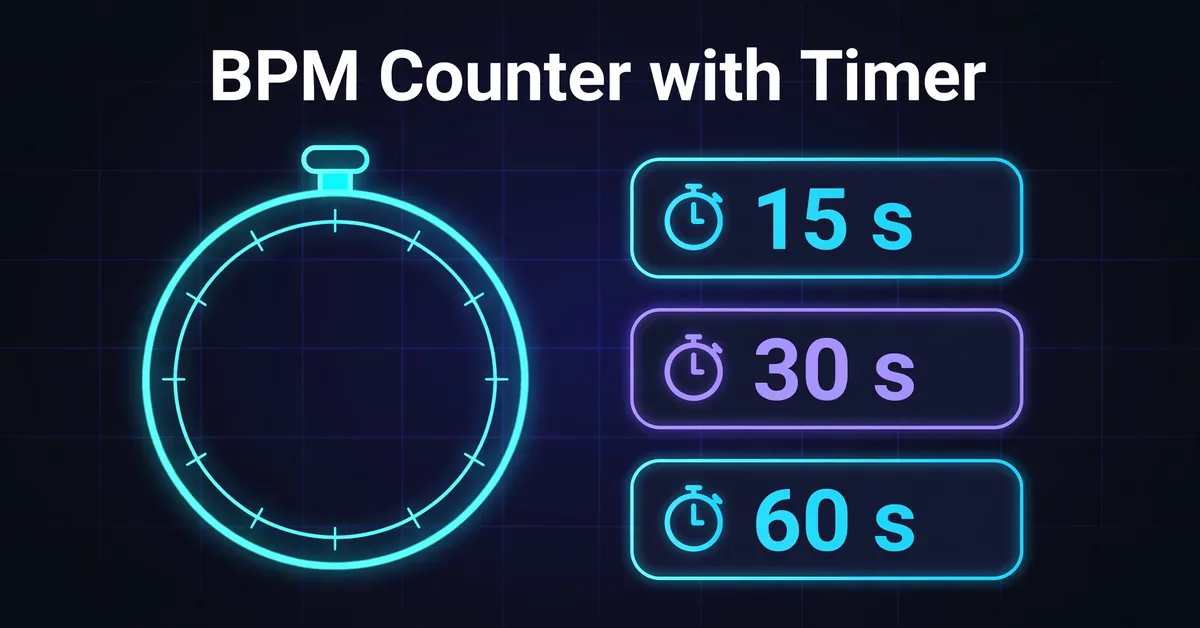
A BPM counter estimates music tempo from the beats you tap during a fixed timer. Choose 15, 30 or 60 seconds and follow the song's steady pulse. The first tap starts timing and counts as zero automatically; the tool counts the following taps and converts the total to beats per minute.
- Select the timer length before you begin.
- Listen until you can follow the pulse, then tap the button or press the spacebar on a beat to start.
- Continue tapping that same pulse until the timer finishes. You do not type a count.
- Read the BPM estimate. Use Reset before another attempt.
Keep playback running without seeking or pausing during the measurement. If you lose your place, restart rather than adding quick taps to catch up. The counter records your input, so recovering a missed beat by guessing can introduce another error.
Start on any clear beat, not necessarily the beginning of a bar. Use a recognizable cue when repeating a passage.
How Does the BPM Counter Formula Work?
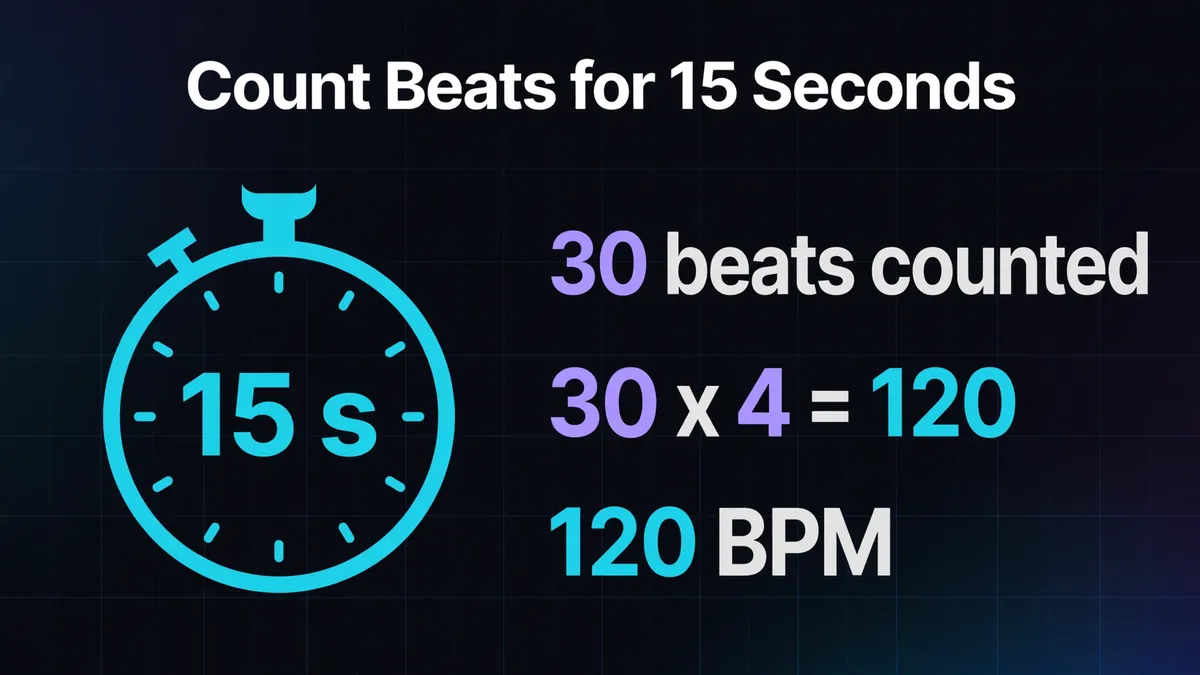
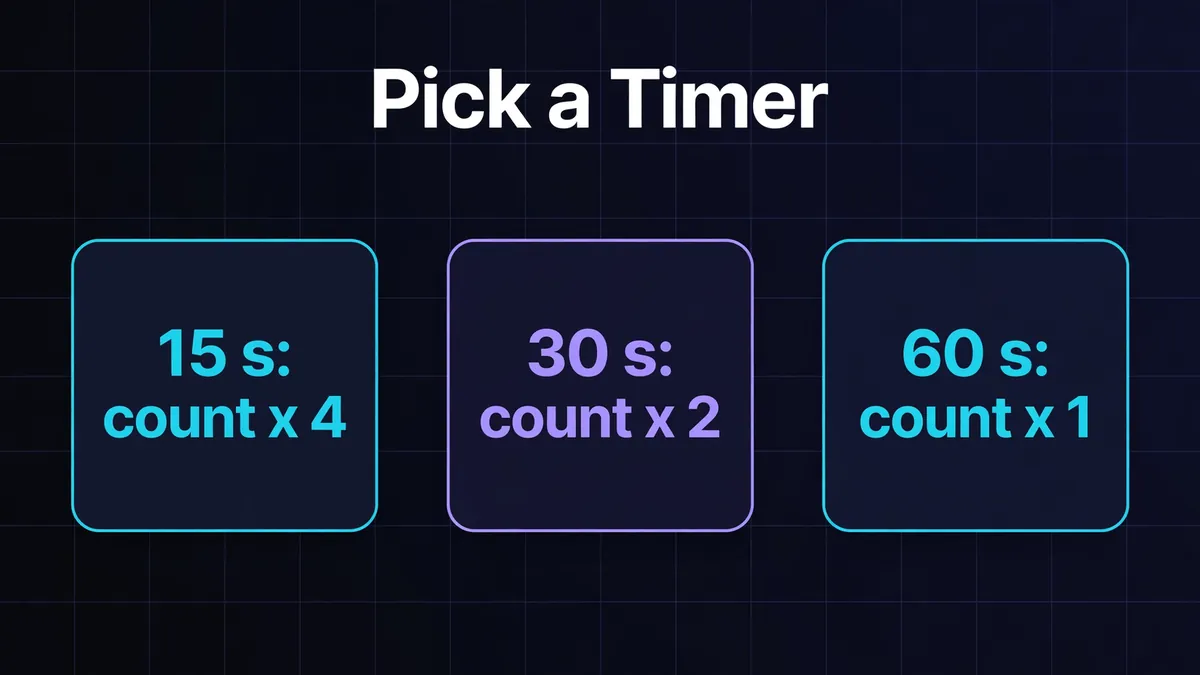
The beat counter multiplies the displayed count by the number of selected windows that fit into one minute. Fifteen seconds fits four times, 30 seconds fits twice, and 60 seconds needs no scaling. The result describes the pulse you tapped, regardless of which instrument helped you hear it.
| Timer | Multiplier | Displayed count example | Result |
|---|---|---|---|
| 15 seconds | × 4 | 30 | 120 BPM |
| 30 seconds | × 2 | 75 | 150 BPM |
| 60 seconds | × 1 | 132 | 132 BPM |
Suppose a 15 second run ends at 27. The calculation is 27 × 4 = 108 BPM. If another run ends at 28, the result becomes 112 BPM. The four point step comes from counting whole taps in a short window; it does not prove the performance changed by exactly 4 BPM.
The counter does not measure fractions of the final beat interval, so treat the number as an estimate.
Why Does the First Tap Count as Zero?
The first tap establishes the start time, before any beat interval has elapsed. It therefore counts as zero. Each following tap adds one. Use the displayed count without adding the starting tap yourself, because doing so would include a beat interval that has not actually passed.
At 120 BPM, beats are half a second apart. Starting at time zero, the next three taps fall at 0.5, 1.0 and 1.5 seconds, producing displayed counts of 1, 2 and 3. Four physical taps have marked three gaps.
Adding one extra counted tap raises a 15 second result by 4 BPM, a 30 second result by 2 BPM or a 60 second result by 1 BPM.
A beat can also land right as the timer ends. Whether your input registers before the cutoff may change the count by one. Do not force an extra tap after the timer finishes; repeat with a longer window if the difference matters.
Which Timer Should You Use: 15, 30 or 60 Seconds?
Use 15 seconds for a quick check of a steady passage, 30 seconds when you have a longer phrase, and 60 seconds for a sustained average. Longer windows reduce the numerical effect of one missed tap, but they also combine more of the performance and can hide a tempo change.
| Timer | Use it for | Effect of one missed tap |
|---|---|---|
| 15 seconds | A quick estimate of a steady passage | 4 BPM lower |
| 30 seconds | Checking a sustained phrase | 2 BPM lower |
| 60 seconds | Measuring an average over a longer section | 1 BPM lower |
An accidental extra tap causes the same size change upward. Missing several taps still matters: three missed taps in 30 seconds lower the result by 3 × 2 = 6 BPM.
The possible results come in steps of 4, 2 or 1 BPM respectively. A 15 second count cannot display 125 BPM using this formula; 31 gives 124 and 32 gives 128. That limitation is separate from how steadily you tap.
For a short clip, choose a window that finishes before playback ends. Continuing to tap through silence measures your remembered pulse rather than the recording.
What Should You Tap When the Rhythm Is Complicated?
Tap the underlying pulse you would count aloud, keeping the same counting level throughout the timer. A kick, snare or bass note can help you locate that pulse, but following every attack may count subdivisions. A sparse pattern can also tempt you to tap only every other beat.
Ableton's beat and tempo lesson distinguishes a drum pattern from the repeating pulse underneath it. Listen through a fill before starting, and keep your tapping steady when the arrangement leaves a beat silent. The how to count BPM guide covers finding that pulse in more detail.
For example, suppose your intended quarter note pulse is 140 BPM. Tapping every other beat gives a rate of 70 BPM; tapping twice per beat gives 280 BPM. Neither number identifies the intended counting level by itself. Compare the phrasing before choosing; the half time and double time guide explains the distinction.
In 6/8, you can follow two main dotted quarter pulses per bar. Open Music Theory's meter explanation describes this compound grouping: each main beat divides into three eighth notes. A count following that main pulse produces dotted quarter BPM, so label it when sharing your result.
This site's metronome assumes BPM counts quarter notes. Each dotted quarter contains 1.5 quarter notes, so a score marked dotted quarter = 60 needs 90 (60 × 1.5). In its 6/8 setting, each eighth note clicks. See time signatures and BPM before transferring a compound meter count.
How Can You Check a Rehearsal or Live Recording?
Measure a recognizable passage, write down its start point and repeat it with the same timer and pulse. Compare sections separately when the music changes speed. A single result estimates the average over its window; differences between runs can come from the performance, your tapping or both.
Suppose you are choosing a rehearsal click from a demo. Your first 30 second run displays 59, giving 59 × 2 = 118 BPM. You remember missing one tap. Replaying that passage gives 60, or 120 BPM. Check it again, then compare a 120 BPM metronome with the demo before deciding on the rehearsal setting.
For a live recording, imagine verse and chorus counts of 28 and 32, each over 15 seconds. Those estimates are 112 and 128 BPM. Repeat both passages. If the contrast persists, record separate section tempos.
A long average can be especially misleading across a deliberate speed change. In an idealized example, 30 seconds at 100 BPM contains 50 beats and 30 seconds at 120 BPM contains 60. Together, 110 beats in 60 seconds average 110 BPM, although neither section was played at 110.
How Do You Use the Result With Other Tempo Tools?
Check the counted tempo against a metronome before using it for practice or timing calculations. Set the same beat unit, start the click near the recording's pulse and listen over several bars. Then use the confirmed BPM in a conversion tool when you need a note duration or delay setting.
Open the online metronome and enter the result. If a click moves progressively ahead of or behind a steady passage, repeat the count. A click that stays offset may simply have started between beats; an initial mismatch alone does not establish the wrong tempo.
For timing work, the BPM to milliseconds calculator converts a selected tempo into note lengths. Assuming BPM counts quarter notes, 120 BPM gives 60,000 ÷ 120 = 500 milliseconds per quarter note. If your source instead says dotted quarter equals 60, convert it to quarter note BPM of 90 before using that assumption.
BPM Counter or Tap Tempo: Which Should You Use?
Use this beat counter with a timer when you want a measurement across a complete timed window. Use the homepage tap tool when you want an estimate from recent tap intervals. Both depend on choosing the intended pulse, but they respond to your tapping over different spans of time.
On the homepage, use tap tempo with the spacebar, a letter or a number key for 8 to 12 taps. It averages the most recent 8 gaps with outliers set aside. A 2.5 second pause starts a fresh reading; Esc resets it.
Already have a beat count and elapsed time? Enter them in the BPM calculator. Have an audio file for automatic analysis? The BPM finder analyzes it locally for BPM; it does not detect musical key.