
How Do You Convert BPM to Milliseconds?
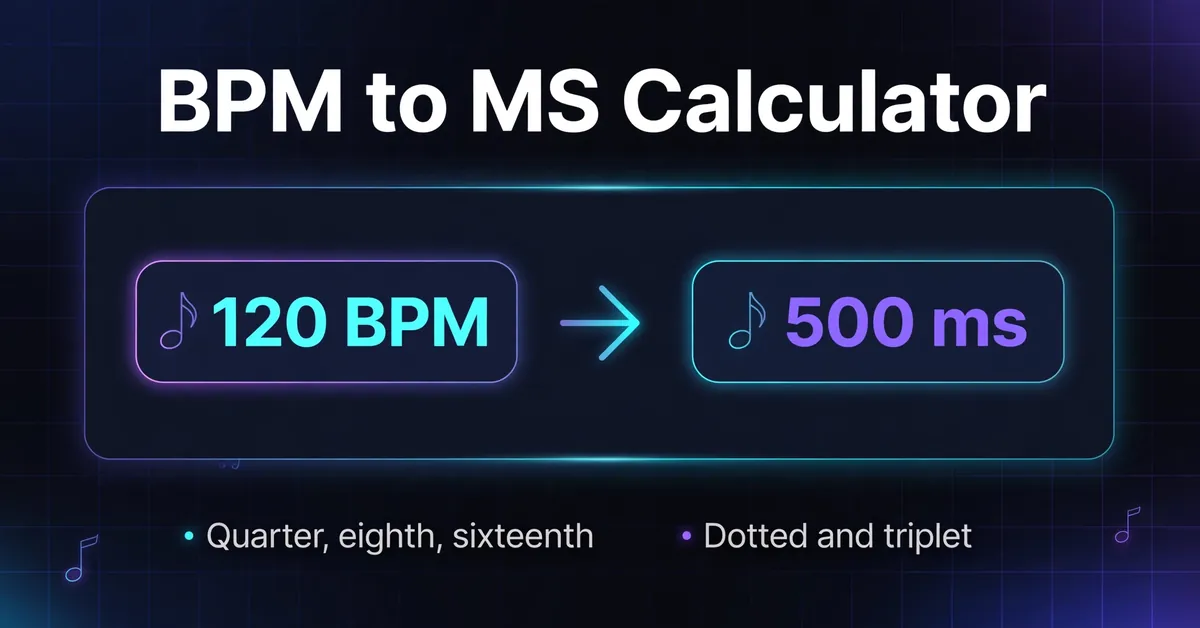
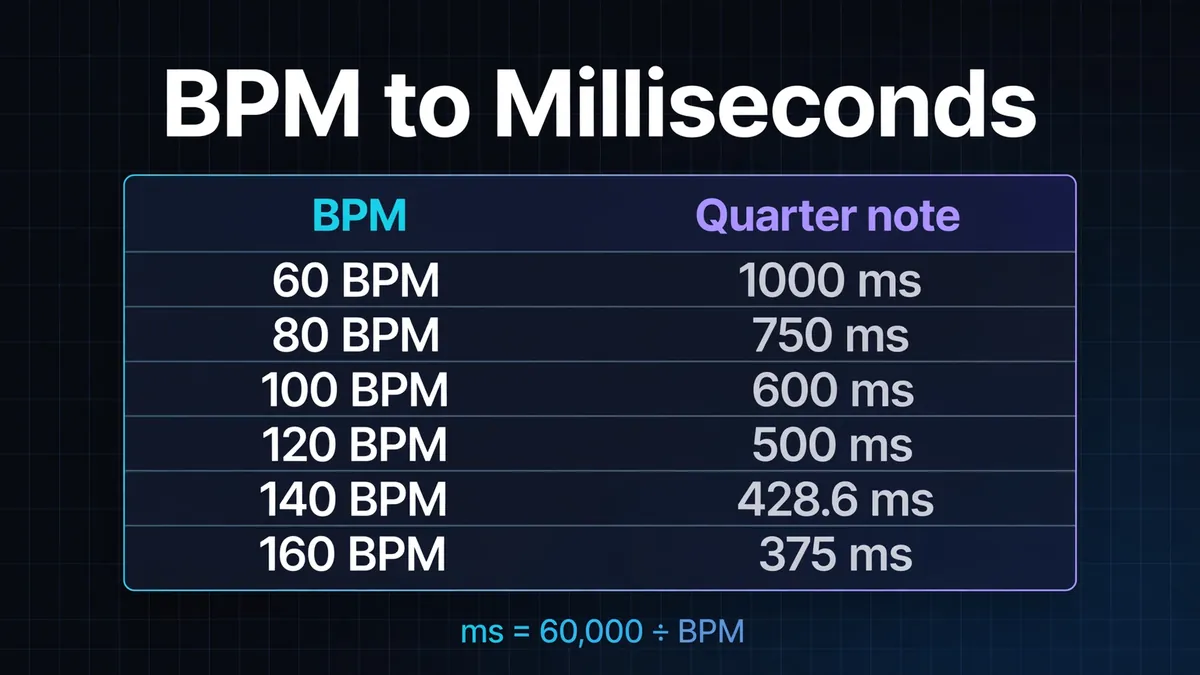
To convert BPM to milliseconds, divide 60,000 by the quarter note BPM. At 120 BPM, one quarter note lasts 500 ms. This BPM to MS calculator derives straight, dotted and triplet note durations from that beat length. The input is quarter note BPM, so convert a dotted quarter mark first by multiplying it by 1.5.
There are 60,000 milliseconds in a minute. Dividing that minute by its beat count gives the time between beats, as shown in Sengpiel Audio's tempo conversion reference. Faster tempos produce shorter intervals.
For 128 BPM to MS, calculate 60,000 ÷ 128 = 468.75 ms per quarter note. Halve it for an eighth: 234.375 ms, or 234.38 ms rounded. A dotted eighth lasts 0.75 quarter notes: 351.5625 ms, or 351.56 ms rounded. An eighth note triplet lasts one third of the quarter note: 156.25 ms.
For any straight note written as 1/N, multiply the quarter note duration by 4 ÷ N. This makes a 1/16 note one quarter of a quarter note, rather than one sixteenth of a beat.
BPM to MS Table at 120 BPM
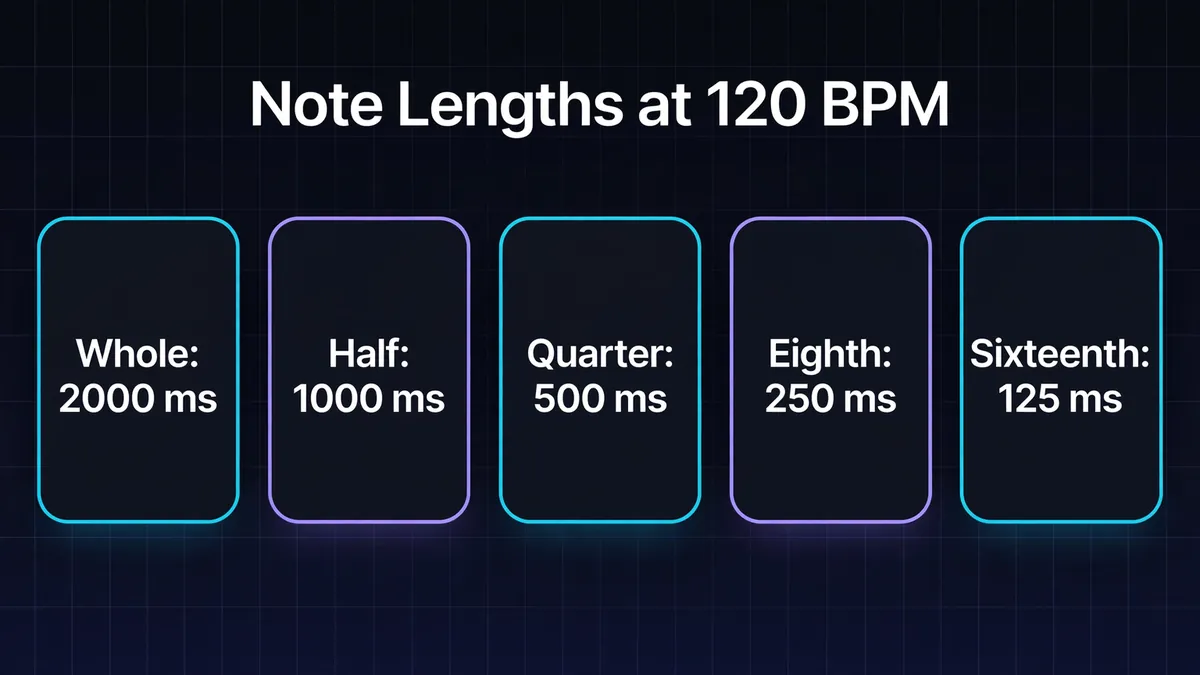
At 120 BPM, straight note durations run from 2,000 ms for a whole note to 31.25 ms for a 1/64 note. The table also gives dotted and triplet versions of each value.
| Note value | Straight | Dotted | Triplet |
|---|---|---|---|
| Whole note | 2,000 ms | 3,000 ms | 1,333.33 ms |
| Half note | 1,000 ms | 1,500 ms | 666.67 ms |
| Quarter note | 500 ms | 750 ms | 333.33 ms |
| Eighth note | 250 ms | 375 ms | 166.67 ms |
| Sixteenth note | 125 ms | 187.5 ms | 83.33 ms |
| 1/32 note | 62.5 ms | 93.75 ms | 41.67 ms |
| 1/64 note | 31.25 ms | 46.88 ms | 20.83 ms |
Values are rounded to two decimal places where needed. Keep the unrounded beat length in your calculation and round the final note duration. Multiply by two to move up one straight note size; divide by two to move down.
A whole note is four quarter notes, not automatically one bar. It fills a 4/4 bar; a 3/4 bar contains three quarter notes. Use the BPM chart for comparisons across tempos and the note duration calculator for a dedicated note length reference.
What Is the Difference Between Dotted and Triplet Notes?
A dotted note adds half its original duration, so it lasts 1.5 times the straight note. A triplet note lasts two thirds of the same straight note: three triplet notes fit in the time of two ordinary notes. The triplet column gives one note's duration, not the whole group.
With BPM counting quarter notes, the straight eighth at 120 BPM lasts 250 ms. Dotted makes it 375 ms; triplet makes it about 166.67 ms. Dividing the eighth by three would produce a sixteenth note triplet instead, about 83.33 ms.
Check a triplet calculation by rebuilding its group: three eighth note triplets fill one quarter note. At 120 BPM their exact durations total 500 ms. Adding three displayed values of 166.67 gives 500.01 ms because each was rounded separately. Calculate the group from the original beat length.
Open Music Theory explains the dot's added half duration, while the University of Puget Sound's tuplet lesson shows three eighth note triplets occupying one quarter note.
What Should You Enter for 6/8 or a Different Beat Unit?
Enter quarter notes per minute, even when the score marks another note as the beat. A dotted quarter contains one and a half quarter notes, so dotted quarter equals 60 becomes quarter note BPM of 90. Time signature alone does not change note duration; the marked beat unit determines the conversion.
At that 90 BPM entry, a quarter note lasts about 666.67 ms and the dotted quarter lasts 1,000 ms. Each ordinary eighth lasts about 333.33 ms. Three of those eighths fill the dotted quarter pulse. Do not select eighth note triplets just because you are counting three subdivisions in 6/8.
The distinction follows UMass's compound meter explanation: the usual beat unit in 6/8 is a dotted quarter. For a half note mark of 80, multiply by two and enter 160; for an eighth note mark of 120, divide by two and enter 60. See time signatures and BPM when the pulse is unclear.
How Do You Use These Times in Delays and Effects?
Copy the duration for your chosen note into an effect's millisecond time control. A rhythmic interval sets the spacing of repeats; it does not set their loudness or how long they continue. Use the delay calculator for repeat settings and the reverb calculator for pre delay and decay calculations.
Suppose you are recording a guitar part at 128 quarter note BPM through a pedal with a millisecond display. For a dotted eighth interval, enter 351.56 ms, or 352 ms if the pedal accepts whole milliseconds only. If your chosen device tops out at 300 ms, that interval is unavailable. The straight eighth, 234.38 ms, fits, but changes the repeat rhythm. Halving a duration also changes the rhythm.
When an effect offers tempo sync, select the intended note value and check its dotted or triplet label. Ableton Live's effect manual documents beat divisions and millisecond modes. Check the device's labeling before transferring a setting.
A note time can be a starting point for compressor release or a low frequency oscillator (LFO) period. Adjust by ear. Reverb pre delay and decay are separate controls; matching either to a note does not guarantee a clearer mix.
How Can You Use Milliseconds for Audio Editing?
Use milliseconds to measure a musical interval when your editor displays time instead of beats. At 96 quarter note BPM, one quarter note lasts 625 ms, an eighth lasts 312.5 ms and a sixteenth lasts 156.25 ms. These give reference distances between grid positions, not guaranteed lengths of recorded sounds.
For example, place the start of a second percussion hit one eighth note after the first: the separation is 312.5 ms. The first hit's audible tail can continue beyond that point. Setting a time interval does not require cutting every sound to that length.
Match the result to the destination control's units:
| Destination unit | Conversion from milliseconds |
|---|---|
| Seconds | Divide by 1,000 |
| Hertz, for one repeating cycle | Divide 1,000 by the duration |
| Samples per channel | Multiply by sample rate, then divide by 1,000 |
A 500 ms cycle is 0.5 seconds or 2 Hz. Use BPM to Hz for modulation rates. At 48,000 samples per second, 625 ms equals 30,000 samples per channel. MDN defines sample rate in samples per second; use your session's rate in BPM to samples.
What Happens When the Tempo Changes?
A fixed millisecond duration keeps the same clock time after a tempo change, so its musical note value changes. A quarter note is 500 ms at 120 BPM but 375 ms at 160 BPM. Recalculate manual effect times for the new tempo, or use tempo sync where the effect supports it.
At 160 quarter note BPM, the old 500 ms setting spans one and a third quarter notes. It no longer supplies quarter note repeats. Tempo sync is useful when the rhythm should follow a project's tempo map; a fixed value suits an intentional constant time offset.
For a performance that speeds up or slows down, one BPM gives only one reference interval. Check the passage you are editing rather than applying a whole song estimate to every section. Start with tap tempo if you need a pulse estimate; use the tempo calculator for longer section lengths.
Which Mistakes Make a Correct Calculation Sound Wrong?
A mismatch can arise between the value calculated and the pulse or control being used. Check the beat unit first, then the selected note and the destination's units. A correct duration can still sound misplaced when the source performance has swing or timing variations that the conversion does not describe.
Straight eighth note times describe equal spacing. Swing can move notes away from those positions; Ableton's groove documentation explains how groove timing changes clip positions. Switching every interval to a triplet is not a general way to reproduce a groove.
Keep fractional BPM when it is known: 125.5 quarter note BPM gives about 478.09 ms per quarter note. Rounding the input first changes every result. Zero BPM has no finite beat interval, and negative BPM cannot describe positive note durations.
Already have milliseconds? Use MS to BPM and identify the interval's note value. The same 250 ms represents a quarter note at 240 BPM or an eighth at 120 BPM; the duration alone cannot choose between them.